Showing posts with label build. Show all posts

Wednesday, May 27, 2026

XR Rebuild

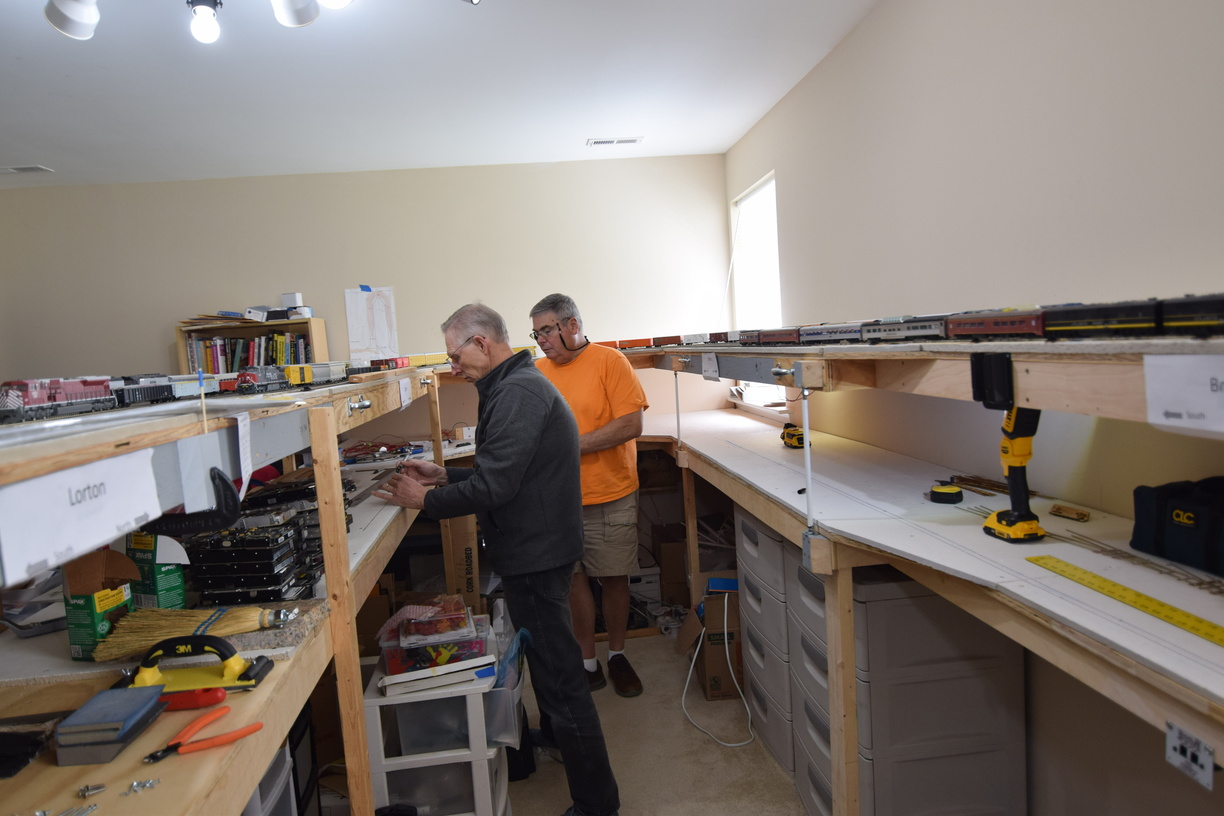
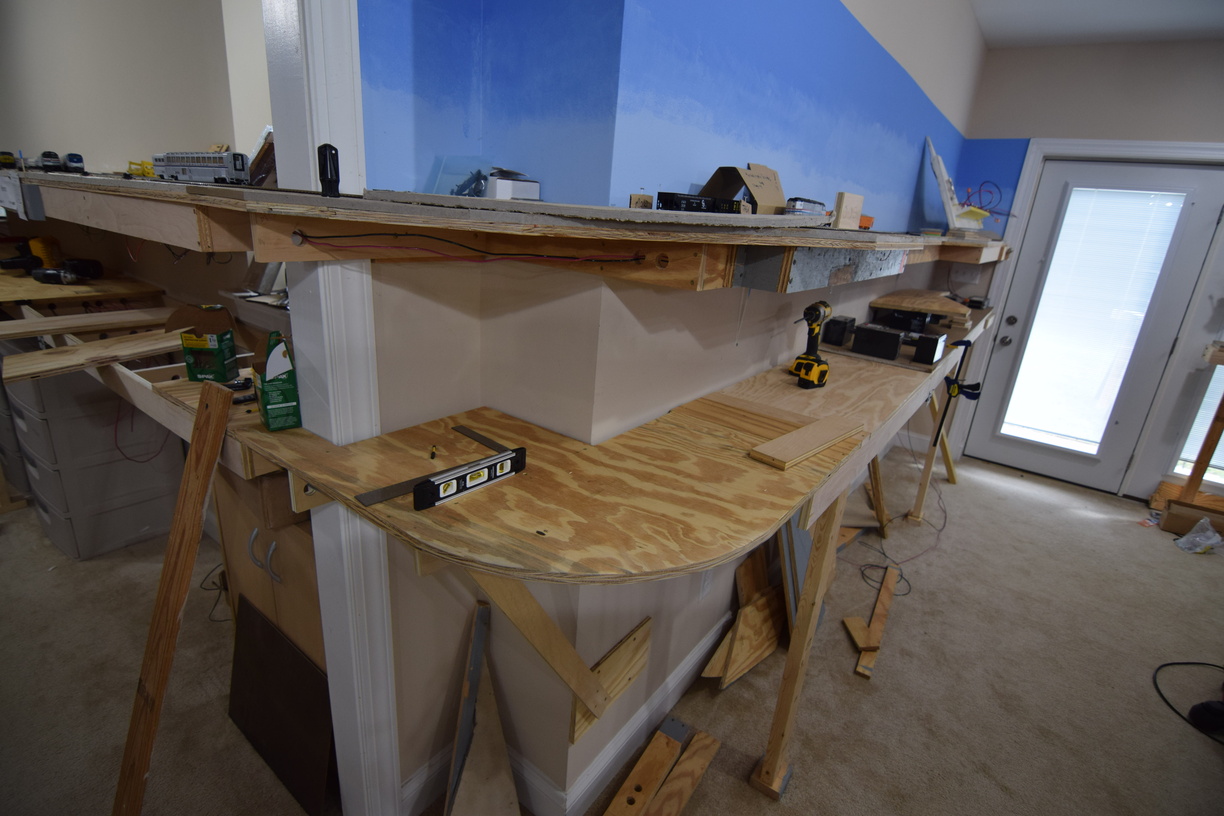
 One of last summer's efforts were related to the Crossroads (XR) control point.

This area has been plagued by various issues over the life of the layout that I trace back to the crappy plywood that I used as subroadbed here. This plywood had separated plys and inconsistent thickness over its run, which caused phantom uncoupling and other operating annoyances over the years.

When I went to put in scenery, I realized that it was going to be just about impossible to add in any structures.

So, the obvious solution was to rebuild from the ground up.


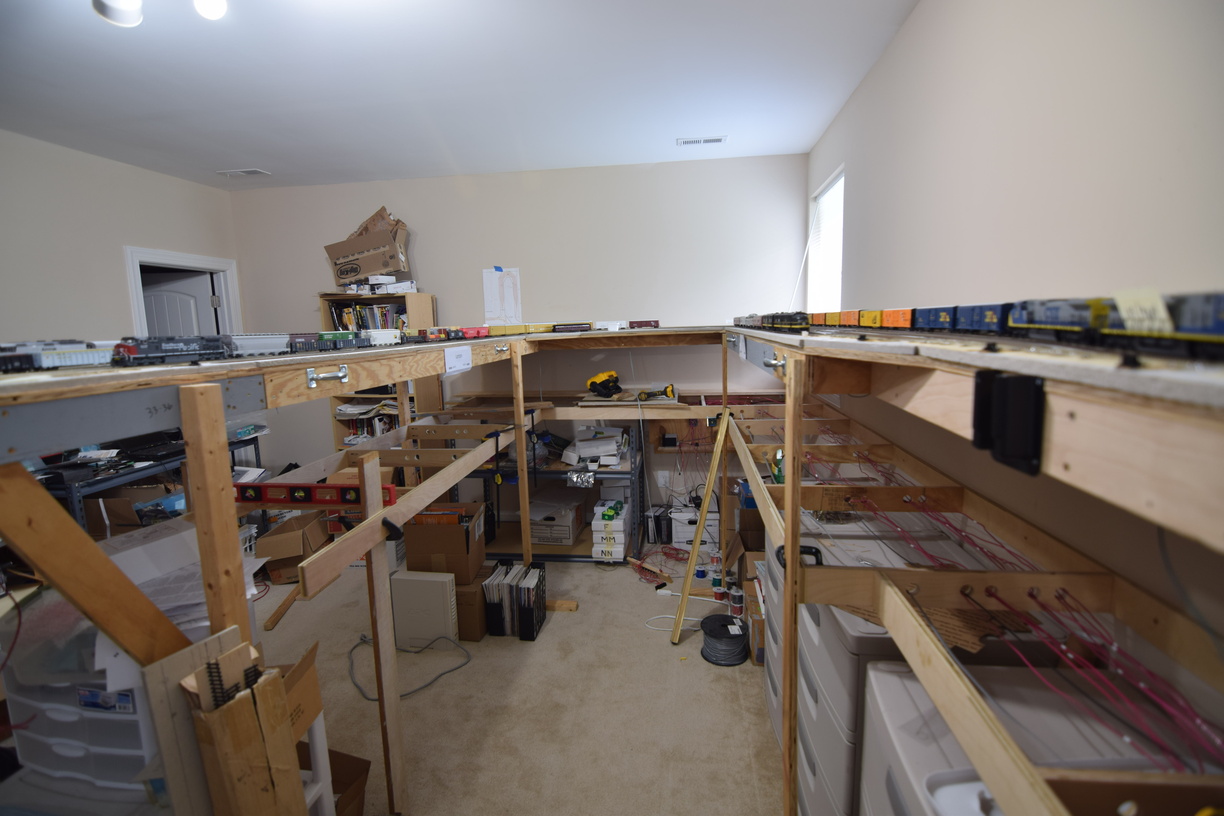
I made the area wider, matching the width of the lower deck, across the entire area. I also updated the track layout to better match the prototype.


I moved the crossover south around 6 feet, and angled it, to make sure that I could make the mainline match the curve to Hamilton smoothly.


This has been in place for the last 6 sessions and I have gotten good feedback from the crew, so I will put this down as a success. In a future post, I will talk about the structures that I've installed in this area.

A few more photos can be found on the gallery at richmond-terminal.org.


Saturday, May 23, 2026

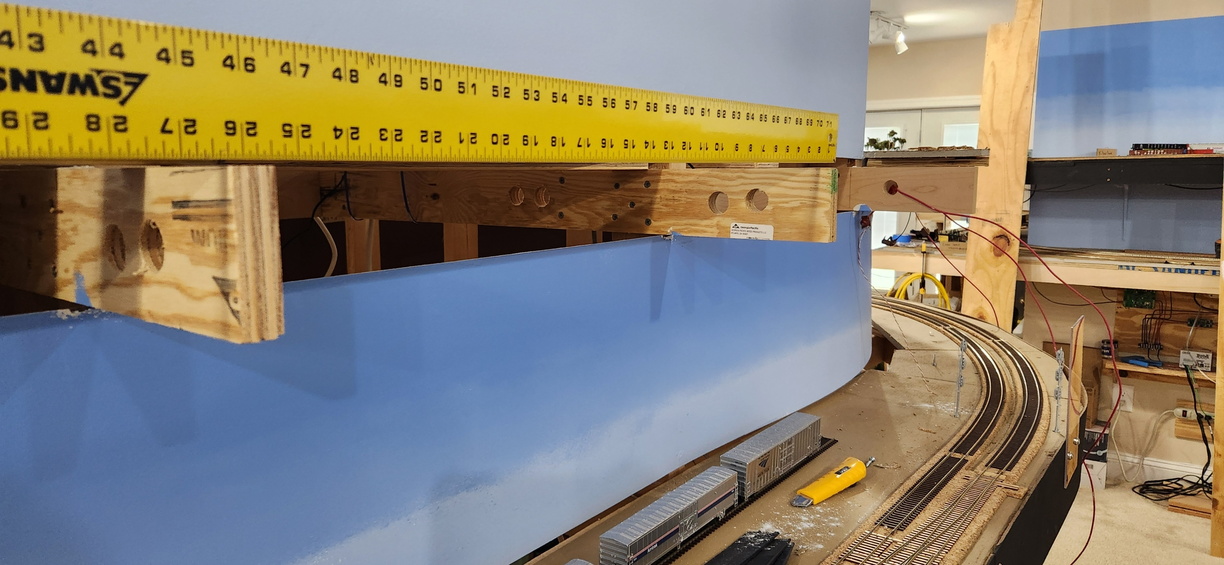
More Changes - Backdrop at North Acca

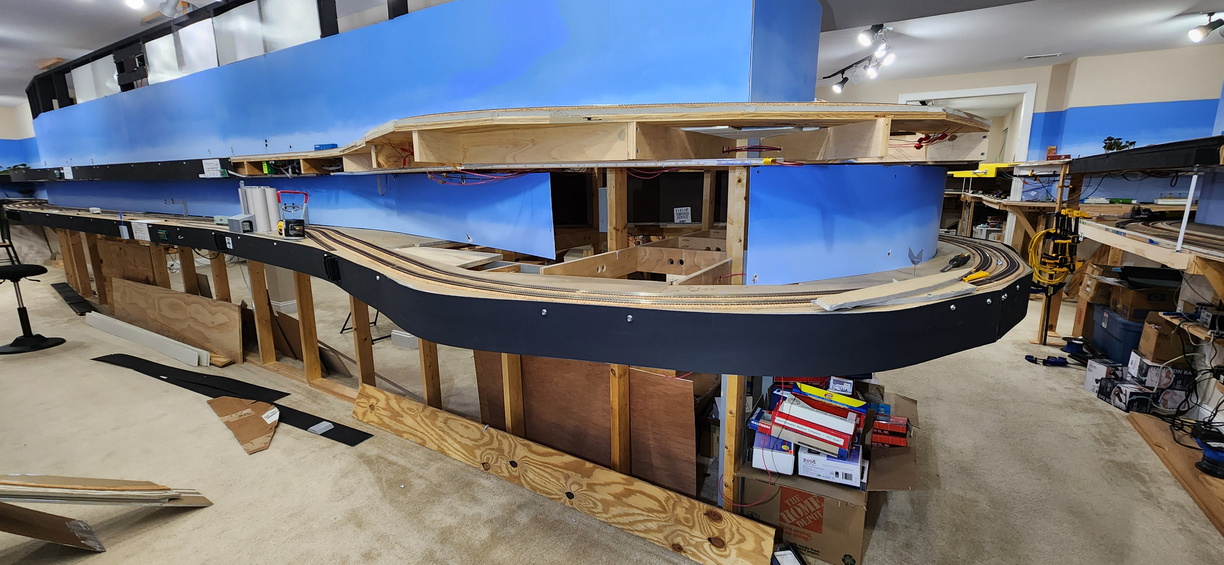
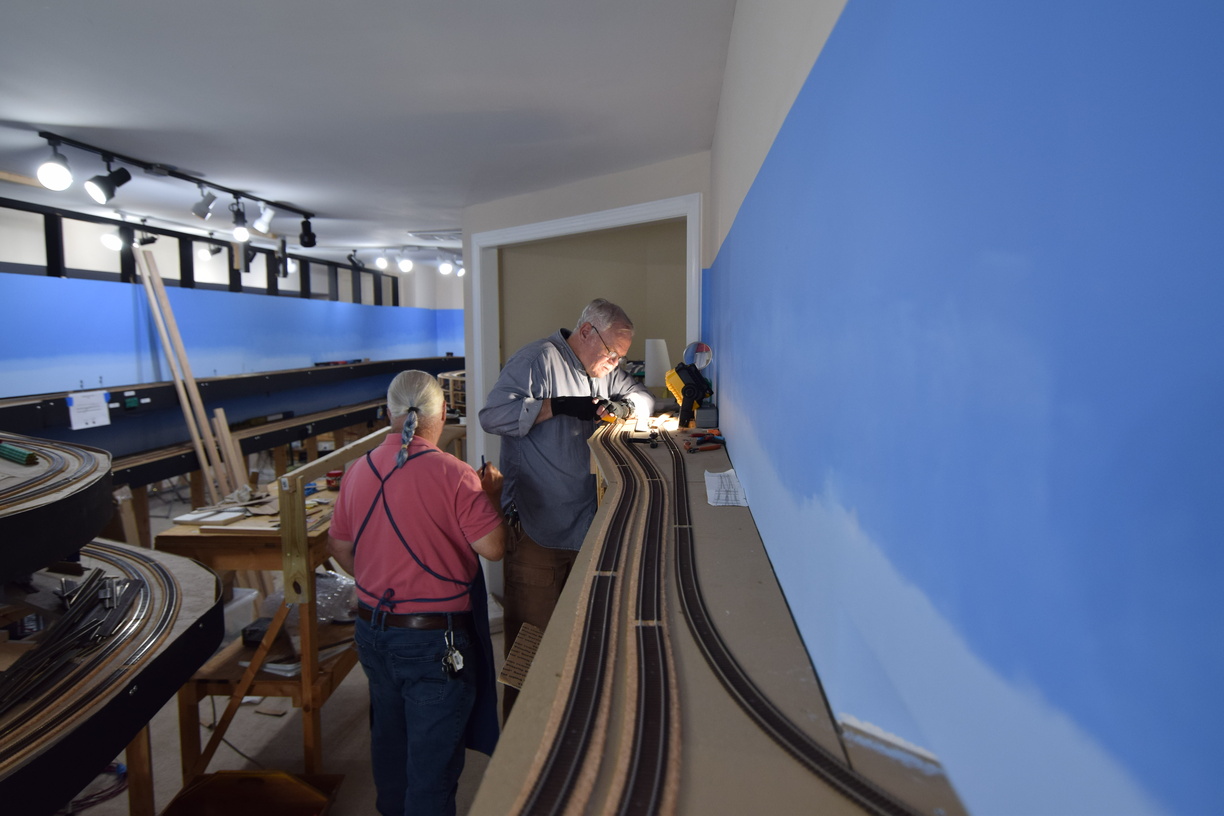
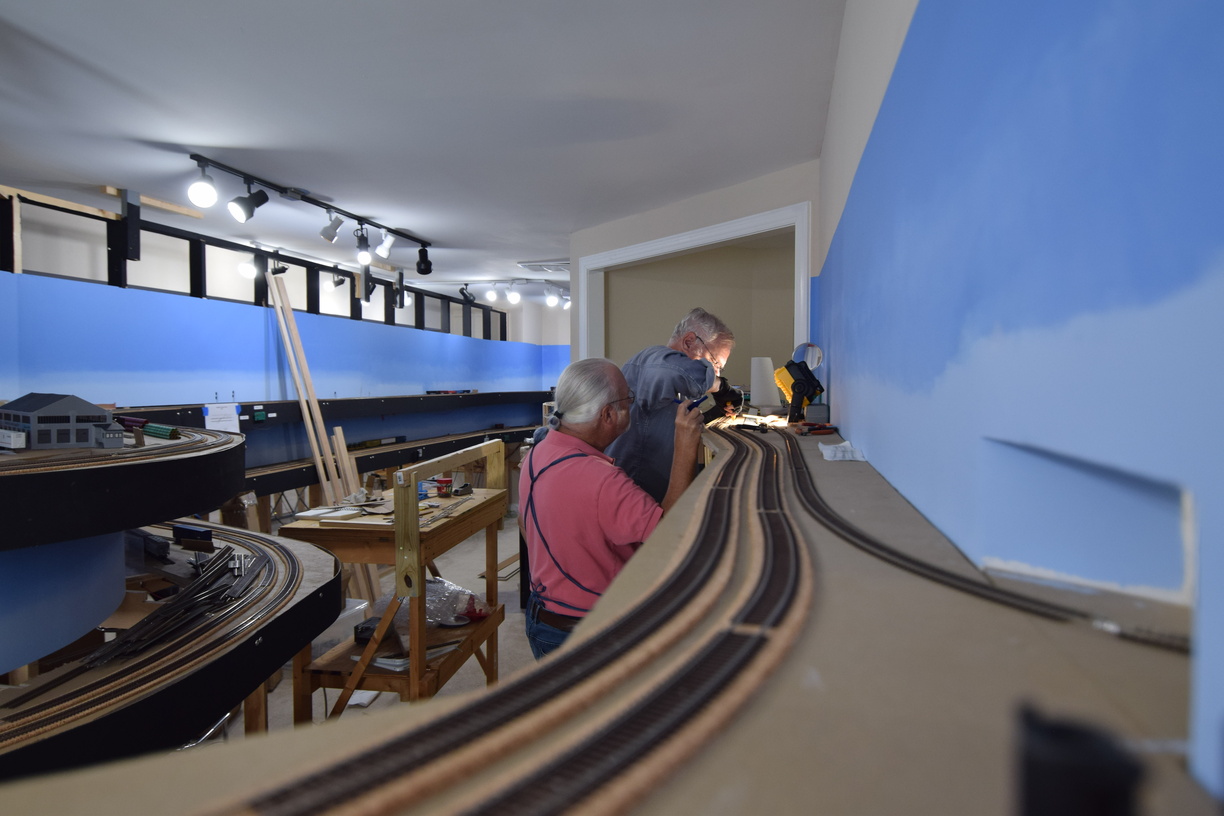
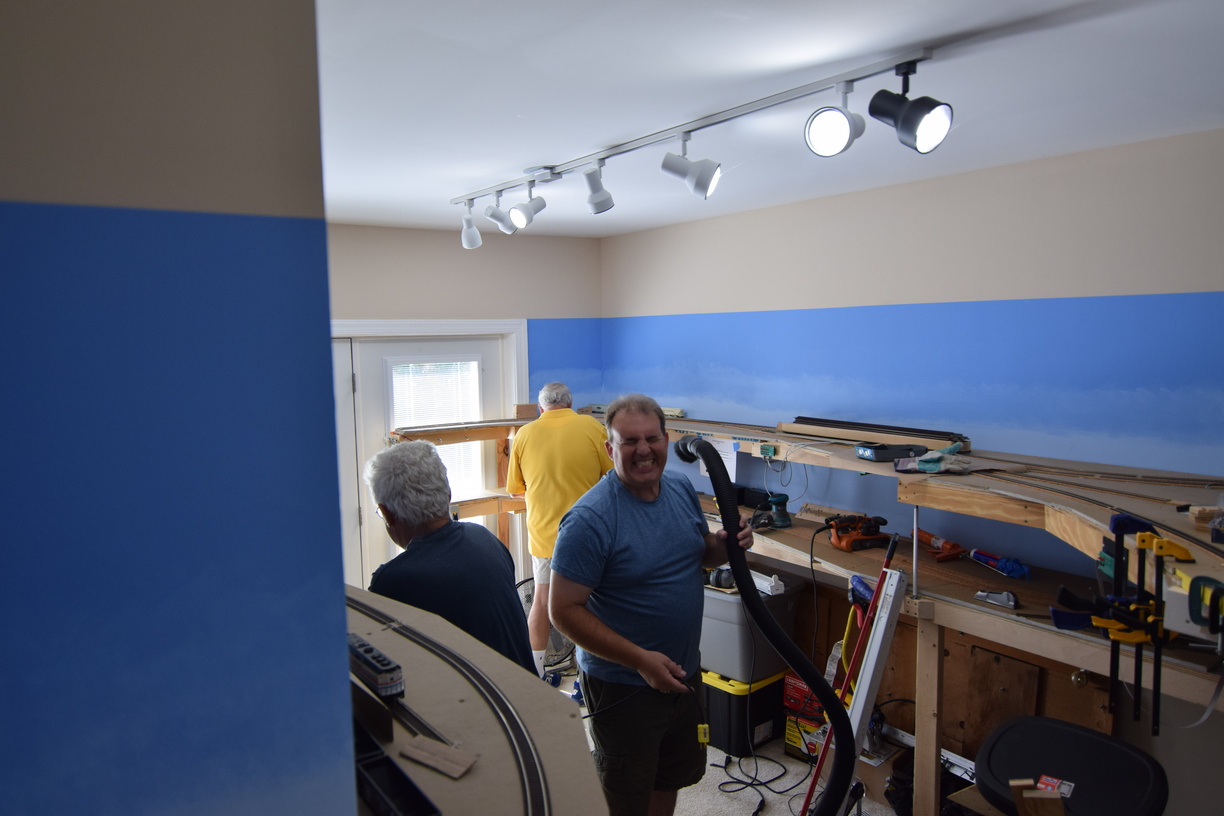
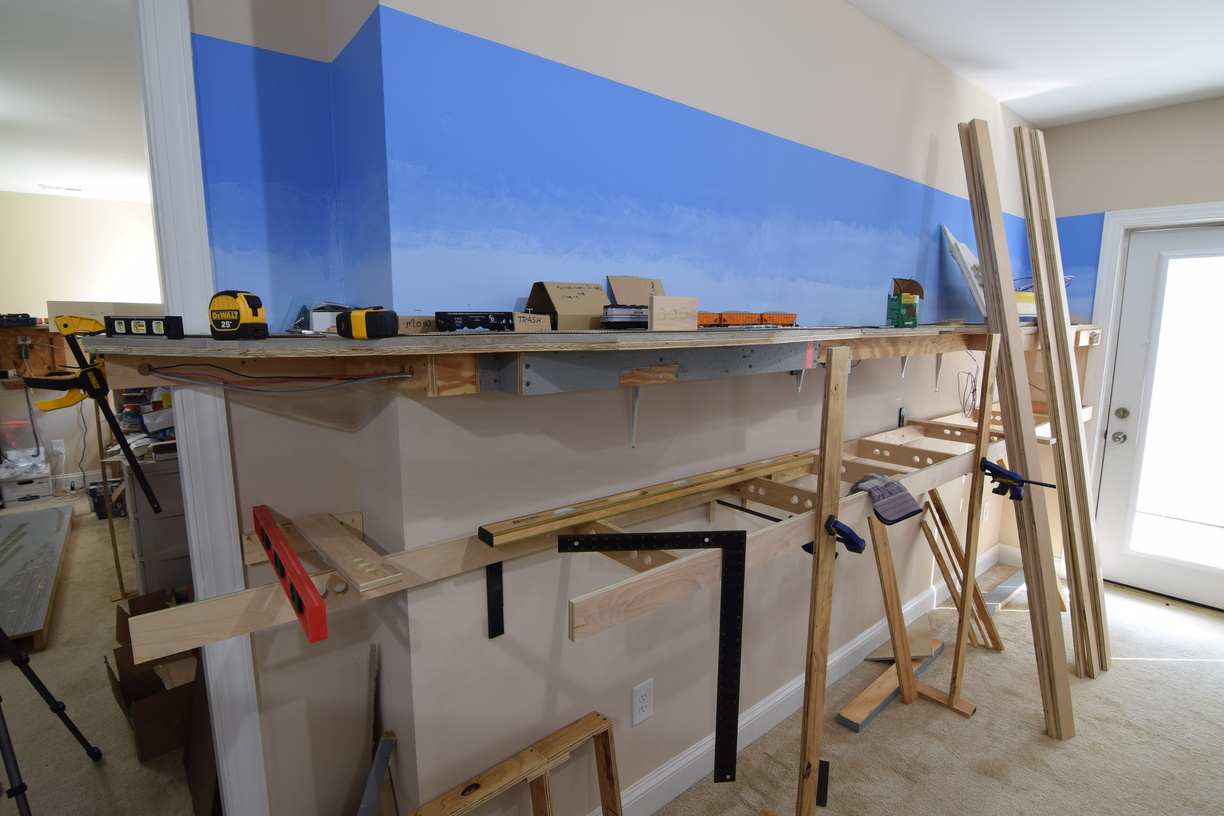
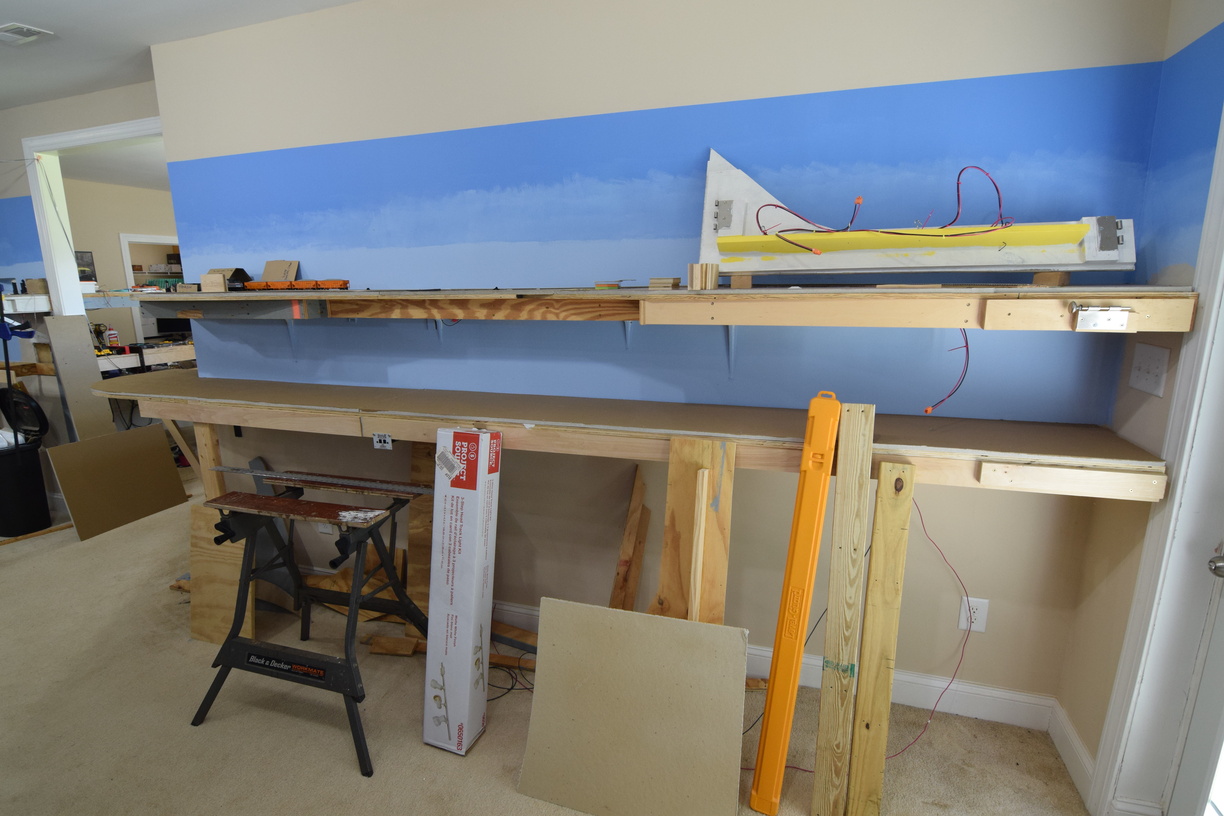
 There was a huge open space at north Acca that I'd thought about turning into an industrial switching area, but the reach in distance was going to preclude anybody but folks that were tall from working there.

After thinking about it, I decided to make the backdrop curved and closer to the track, making more of a shadowbox effect in the area.

Here's a shot of this work in progress:


Wednesday, May 6, 2026

South Milford Rework

 As frequent readers and operators can attest to, the area of South Milford wasn't optimal from a track perspective. It was one of the first areas that I built when I started construction in early 2017, so what I thought was a challenging configuration, ended up being very time consuming to switch, and awkward to install scenery and structures. I decided to make some changes to better reflect the prototype layout of track in this area, which would also make the scenery easier to deal with.

Here's a shot of what it looked like before, taken by the famed photog, O. Missing Link:


You can see the switchback tracks at upper center left, and the large space between the industries and main line.

The area around the corner to the left was empty. I had eventually planned to put an industry in there, but had never solidified my plans.

This rebuild neatly sewed this all up:


Friday, December 19, 2025

Crossroads Rebuild - Structures - Owen Steel

 Longtime readers will remember that historically, the Richmond Terminal eschews scenic vistas and related stuff.

Some trees have been planted, and there are some profile boards glued to backdrops, and even some ground foam here and there.

Structures haven't been any sort of focus, and until one of the crew built some kits up for me to keep him busy, the railroad was structure-less.

With the rebuild of Crossroads, I planned to have the space for a couple of structures, based on the stock of building kits that I had.

We will dive into one of the builds in this post. This is based on the "Armstrong Electric Motors" background kit. For the Walthers' webpage on this kit, click here. 

This is a 3 story, brick building that suggests a WW2 or just postwar style of construction with a loading dock for railcar spotting.

Walthers offers what I will call "standard" structure kits that let you build a "3-D" standalone building, and they also offer background kits that are a "2.5-D" building that is made to snuggle up to your backdrop. The backdrop versions are generally the full kit that is missing a few sprues of parts. This means that you can kitbash or customize what you are going to build fairly easily.

As many building kits don't have the size to properly represent an industry with rail service, combining a few kits lets you illustrate the "mass" of industrial buildings in a space that is less that 2" deep.

Out of the box, the kit is molded in gray plastic, which is pretty dull, but fairly realistic as most industries aren't exactly pretty looking. You can build it to 3 different sizes, width wise, a 2, 4, or a 6 column. If you combine 2 kits, you can get 12 columns, which is what I ended up doing.

I decided to paint the window frames a nice green (Vallejo Air 71-), and then shoot the walls a brown-red (Vallejo Air 71-) mix to make it feel more traditional masonry.

Cutting the frames off the sprue. I dialed the airbrush to "thorough"

Note the 2 different sizes of frame.

The kit does include clear plastic to be used for windows. I have to say that getting good results from kit building is somewhat dependent on the tools and techniques that you use. I used canopy glue to glue the windows in, which is the ONLY adhesive you should use for stuff like that. I didn't learn that canopy glue was a thing until I was well into adulthood.

You can see the still wet canopy glue in the corners.

Once it was all assembled on the bench, I did a QA check and realized that I missed some spots with the airbrush, so I had to use a brush for some touch ups.


Here's the structure on the layout. I need to add the decaled signs to finish this, but this is a huge upgrade from the little cardboard sign and bare track.



Saturday, February 3, 2024

Lighting Follow Up

 This is a short follow up to my original underdeck lighting post here. As I was reworking the block detection, I had to move the LED lighting around a bit, and took the opportunity to take another picture.

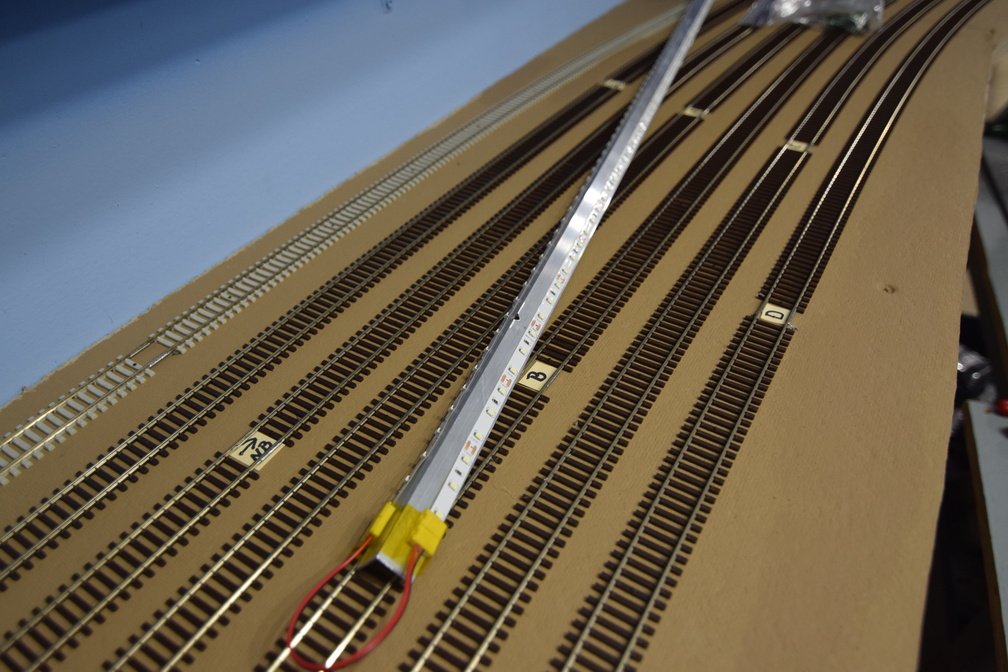
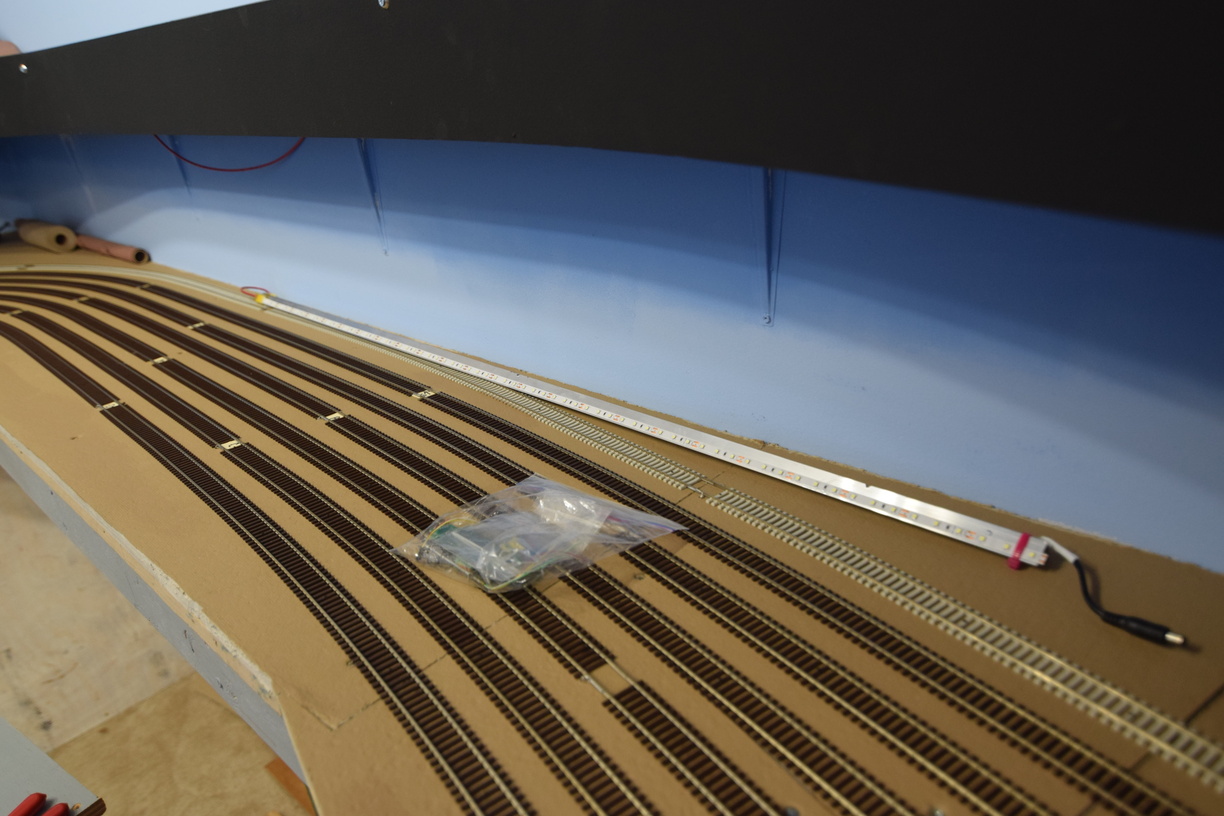
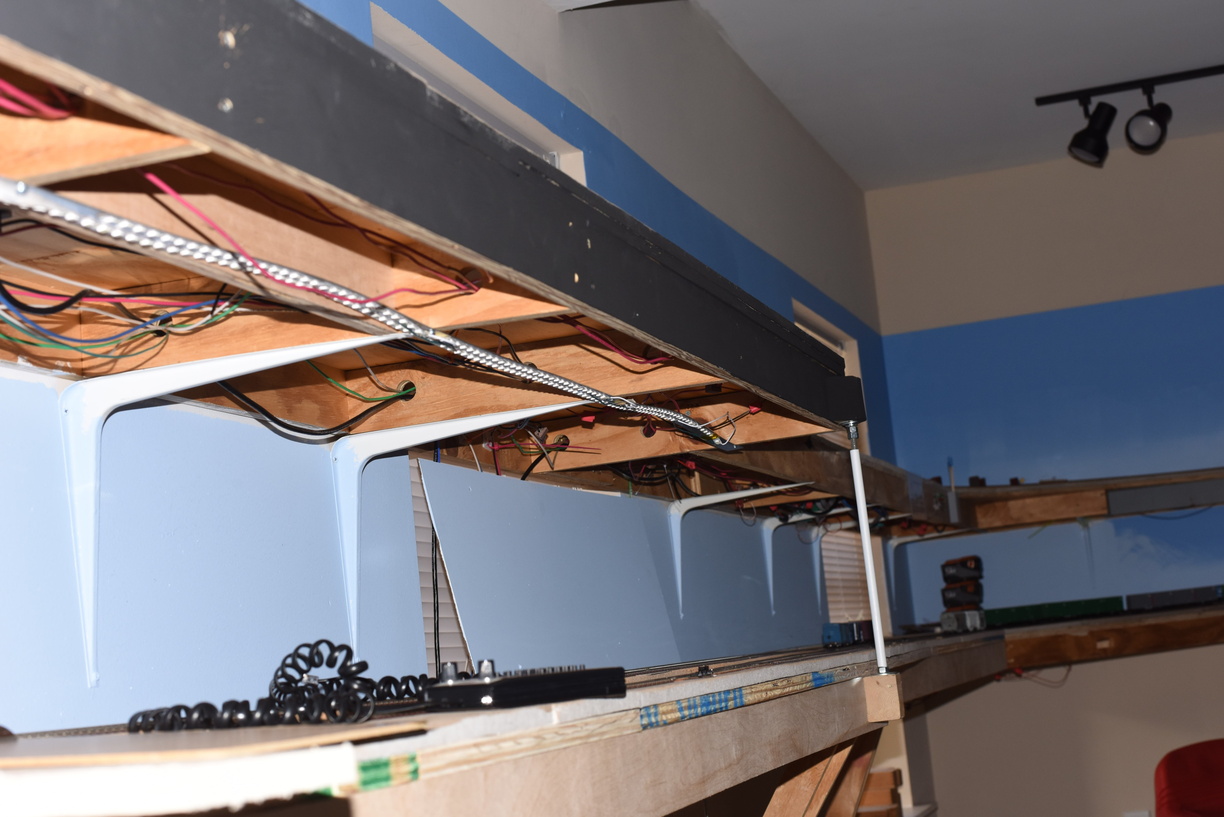
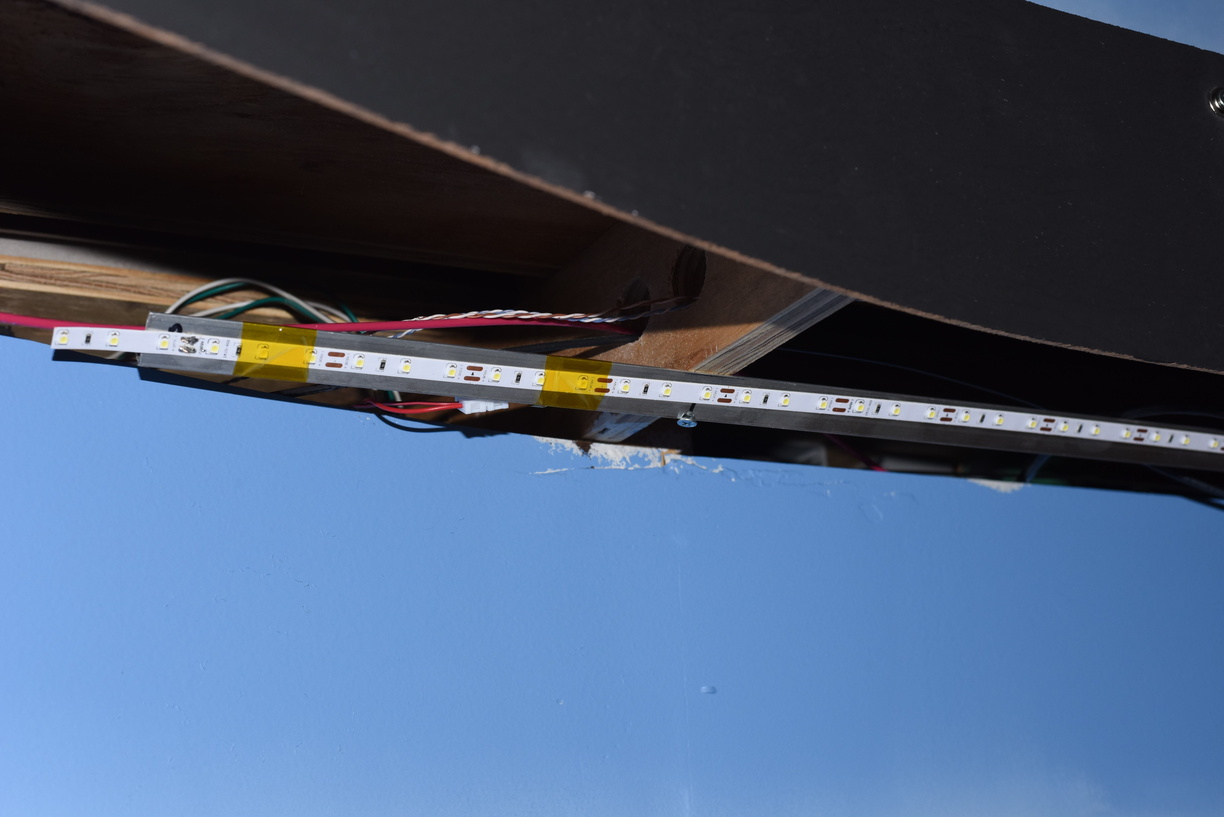
This is a great example of how I used the aluminium L bracket, and stuck the LED strips to it, and then bridged from one strip to another.

The yellow tape  at the end closest to the camera is kapton tape. Very handy for stuff like this, as well as decoder installs, etc.


I buy the channel in 8' lengths, generally, and cut it to size with a hacksaw. You can see this has the factory barrel connector end at one side.


Tuesday, November 28, 2023

Let There Be Light! Brightening Up The Lower Deck

 One of the challenges of a multideck railroad is providing appropriate lighting.

You have overhangs and shadowing to grapple with, and whatever solution you select needs to fit into the space you have without potentially impacting the modeling area.

Thankfully for this layout, the stick on LED strip lights have become cheaper and more available, and the color of the light seems to be consistent across multiple lots of strips, which wasn't always the case.

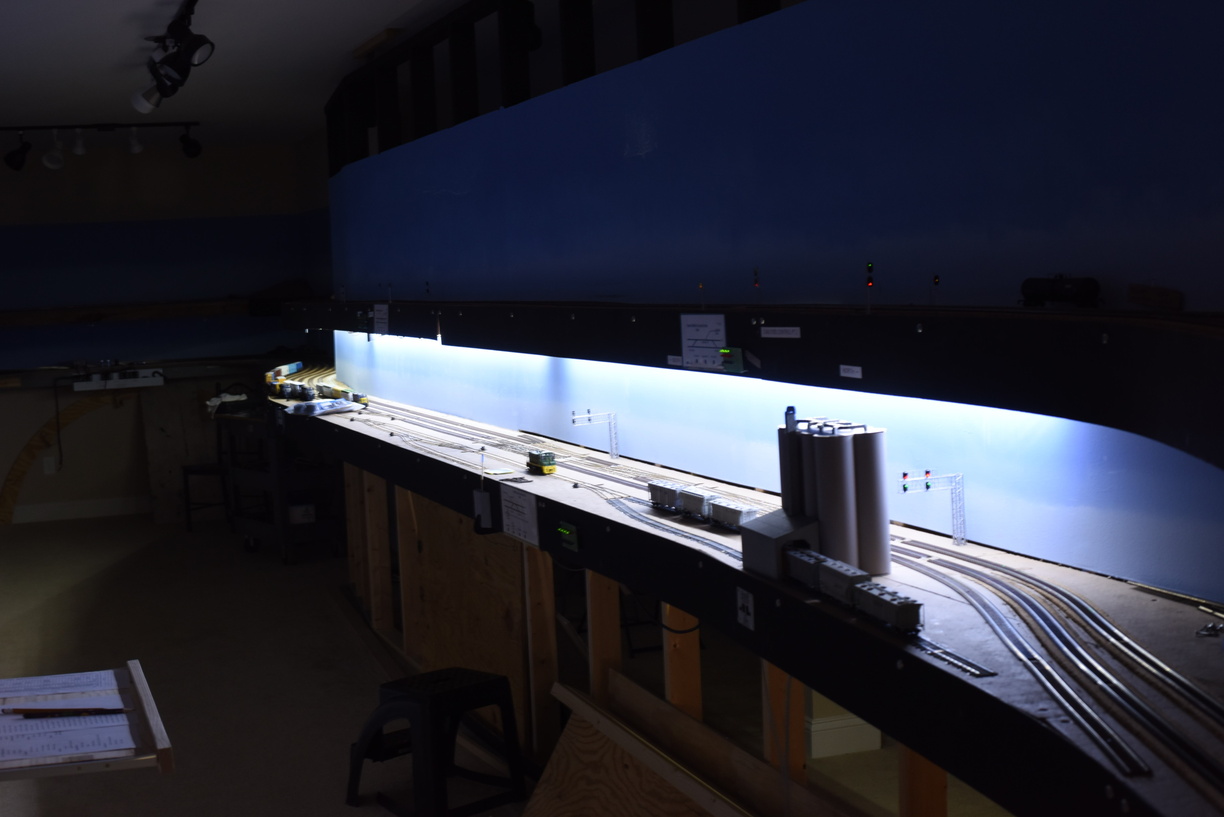
I use a "daylight" strip, which is around the 5000K "temperature" of the overhead lighting source (in my case, LED bulbs in track light heads). Working to get the light to spread out evenly, while being mounted in as small an area as possible took me a couple of tries to figure out.

I started with a strip of aluminium bar. This did provide a bit of a heat sink, but it did not have the rigidity that I wanted. Note the "wavy" in this photo:


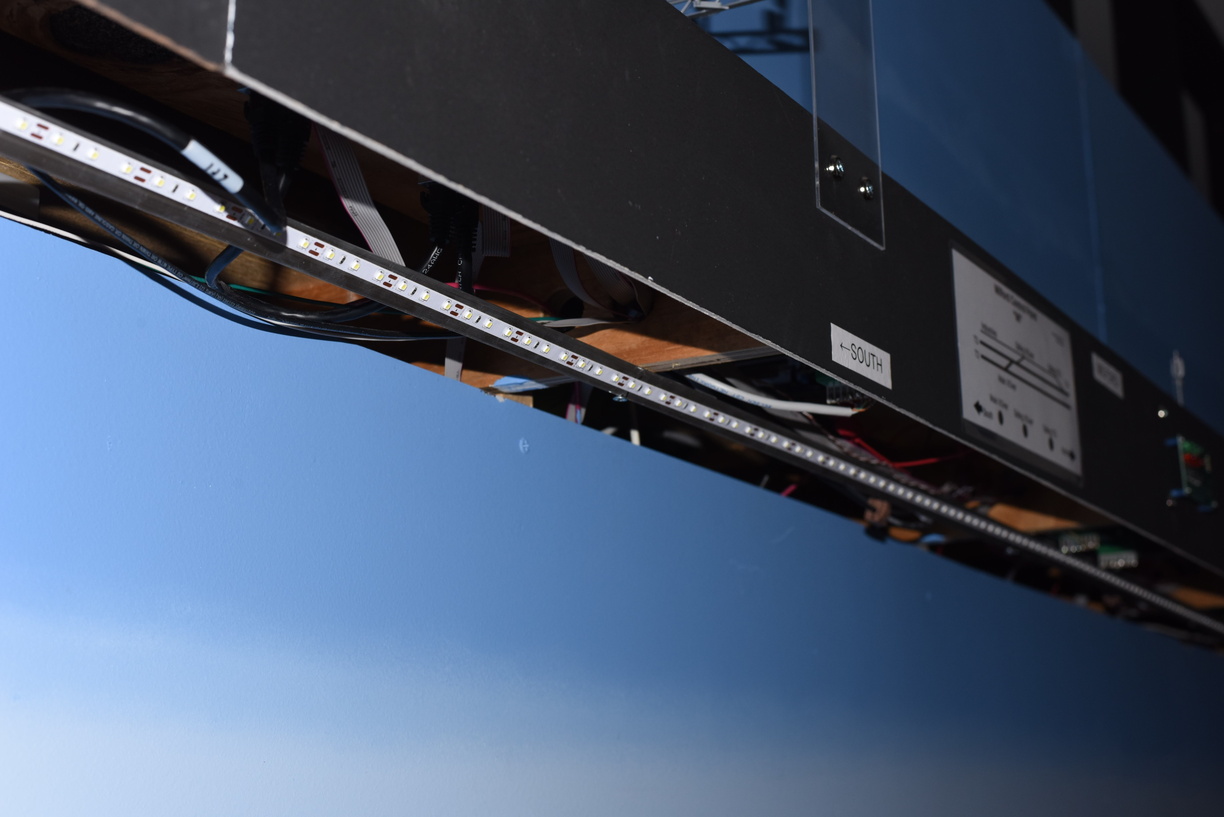
This brought me to using aluminium angle stock instead. My first though was just to use the angle stock to provide the solid mounting surface I wanted. After some testing, I realized that mounting the LED strip to the outsides of the L would give me a spread of light - letting some of the light hit the models directly, but also bouncing off the backdrop to light what would potentially be in shadow in the light was coming from straight overhead.


Note the light for Acca behind the front light.

I share the same 12V DC supply for these lights with the LCC nodes or accessory boards that require a dedicated DC supply. There are 3 of these supplies installed around the layout. I use an open frame supply that I recovered from old IT equipment that was being e-wasted and retired. Similar supplies are available commercially or offered by online auctions off of eBay for anywhere from $15 to $50. The supplies I have are set to give +5V, +12V, -5V and -12V DC. I only use the +12V rail.


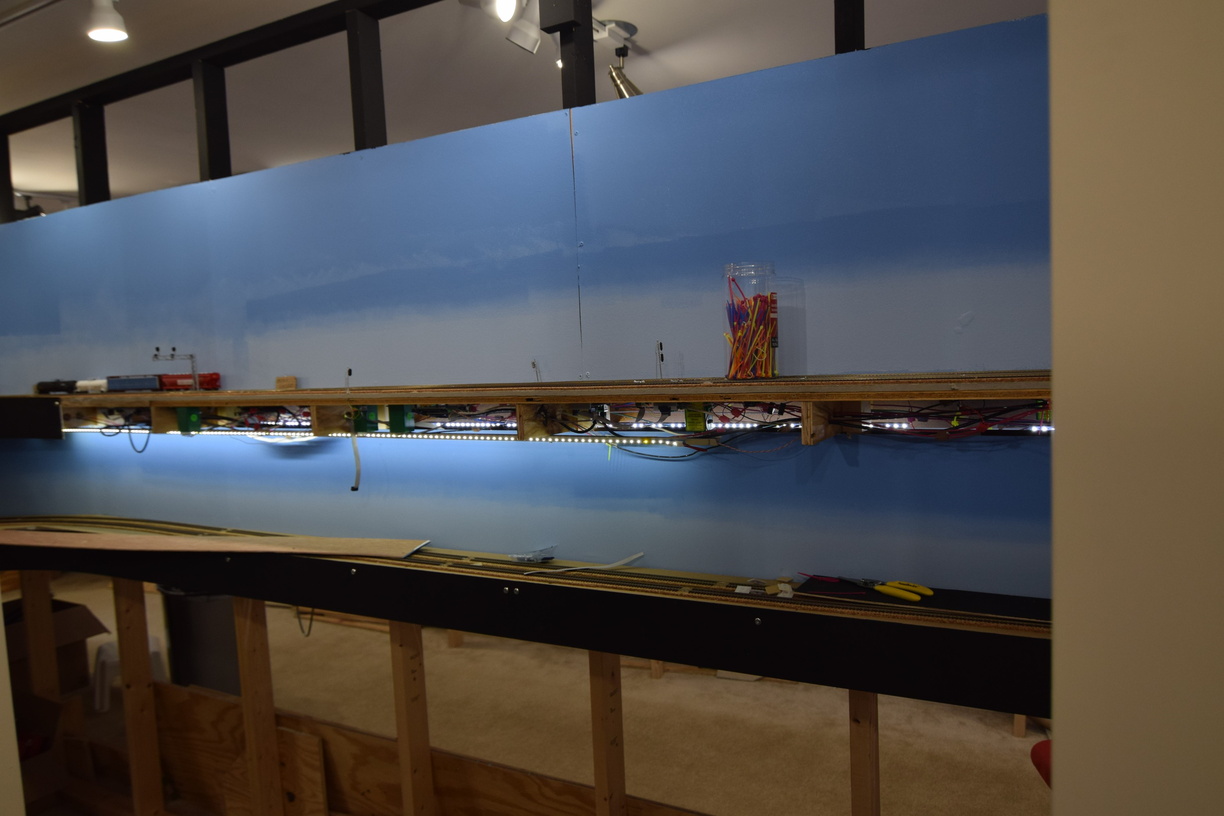
LED strips only, no room lights.

More pictures in the gallery at richmond-terminal.org.

Saturday, November 25, 2023

Backdrops, again

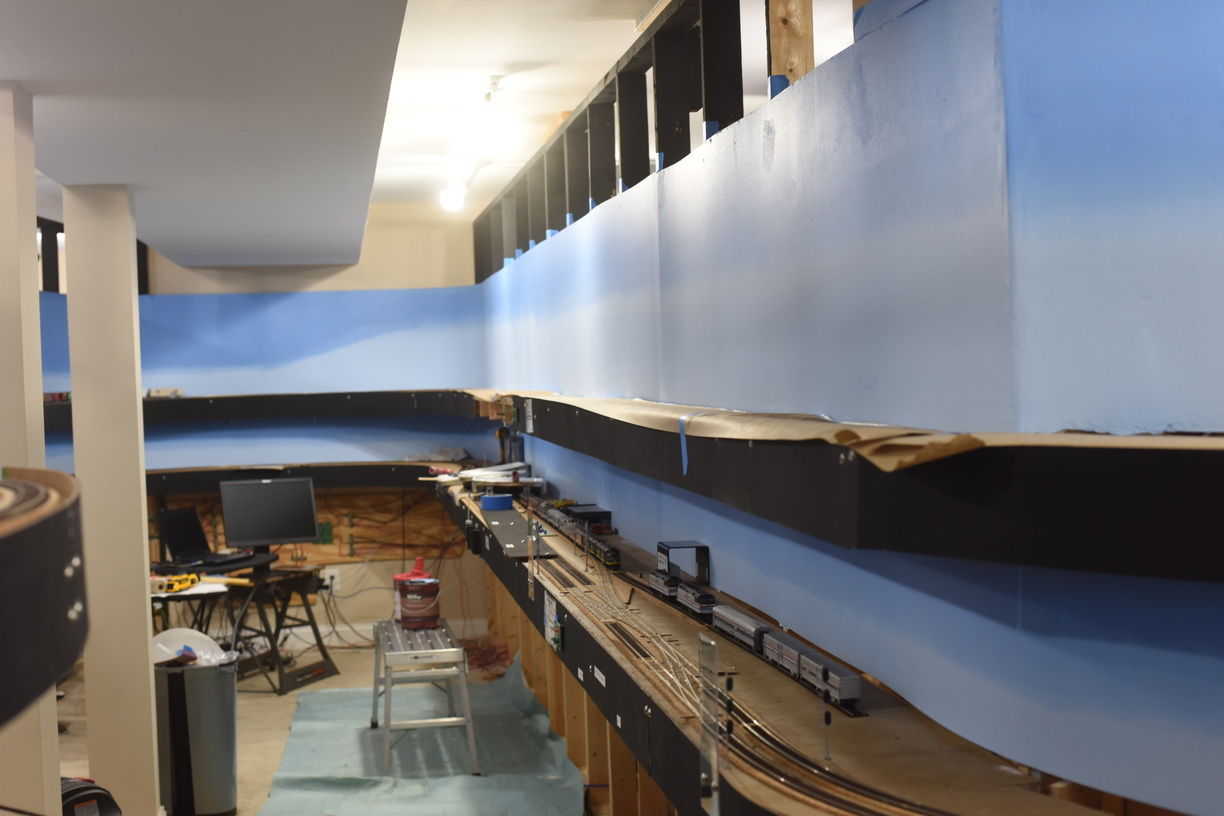
 During a work session a few years ago, the crew and I repositioned the backdrop on the upper level, on the inside of the XR & Hamilton peninsula.

As I had filled in screw holes and painted, it required a bit of deconstruction before we could move it down to eliminate a gap between the subroadbed's homasote, and the bottom edge of the backdrop.

We then refastened the backdrop and went along with the rest of the work session.

I came behind later, and filled in all the new screw head holes with joint compound and did a first pass of sanding once it dried.

I had left it like that for probably a year before I got sick of looking at it this past May, and finished the patching, and then painted.

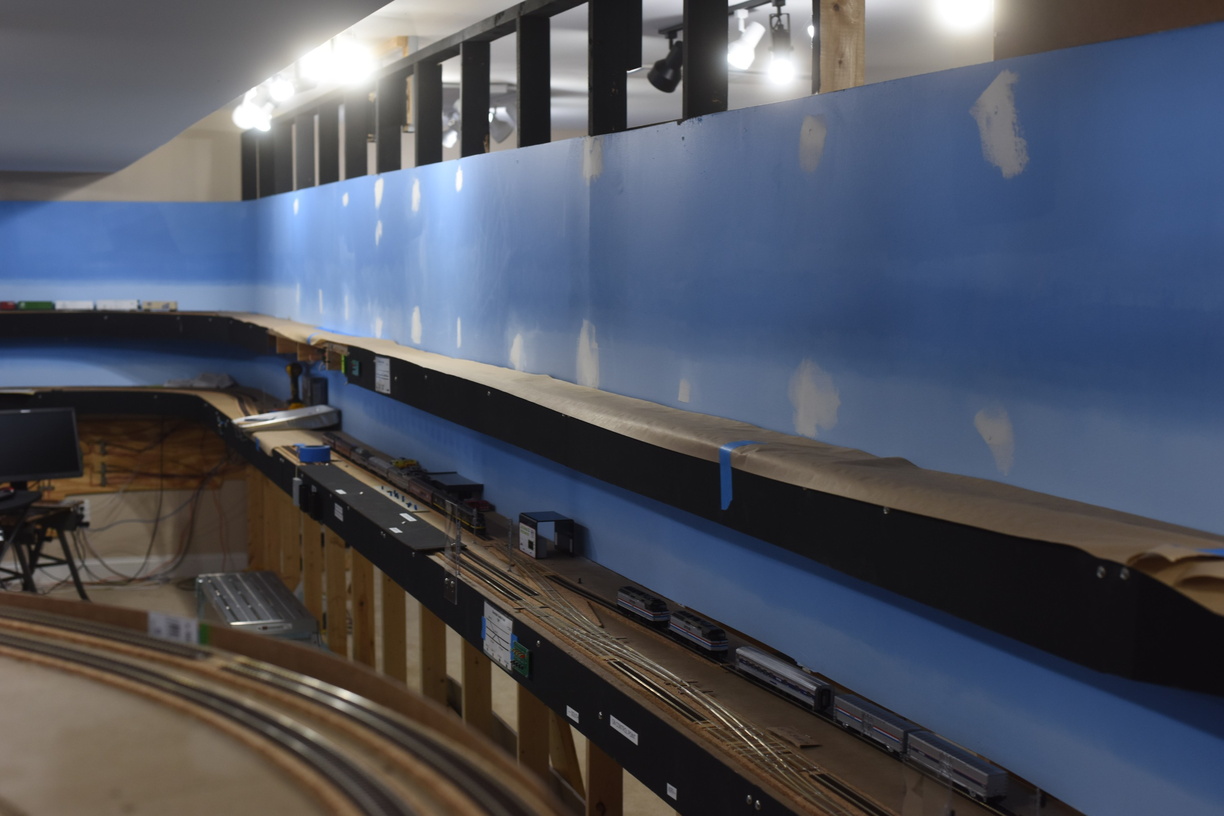
Before. 
This also gave me the opportunity to better blend the backdrops on this run with the backdrop that is on the turnback curve, as you can see to the left in the photo above.

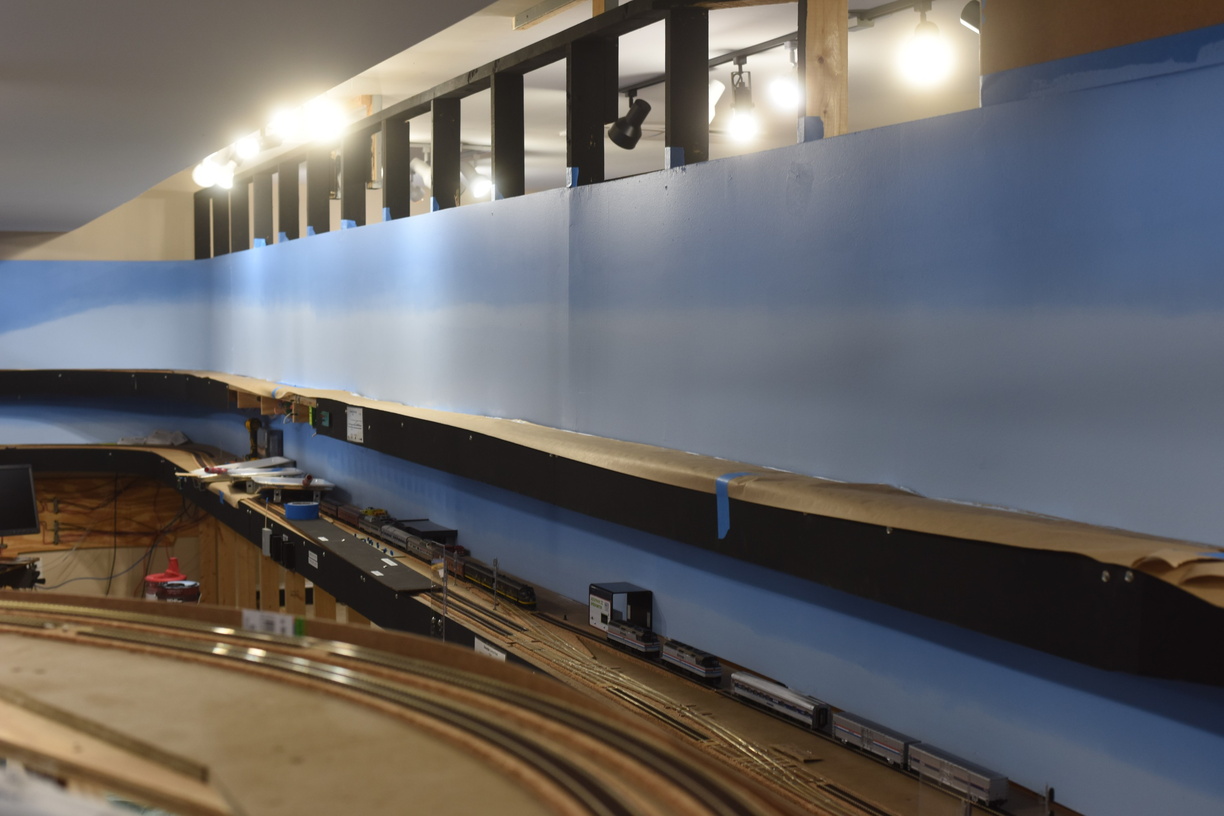
I had also decided that I wanted the lighter sky color to go higher up, as the sky gets dark much farther above the horizon in real life than what I had originally painted.

After.


A few more photos can be found on the Richmond Terminal Gallery.


Saturday, December 31, 2022

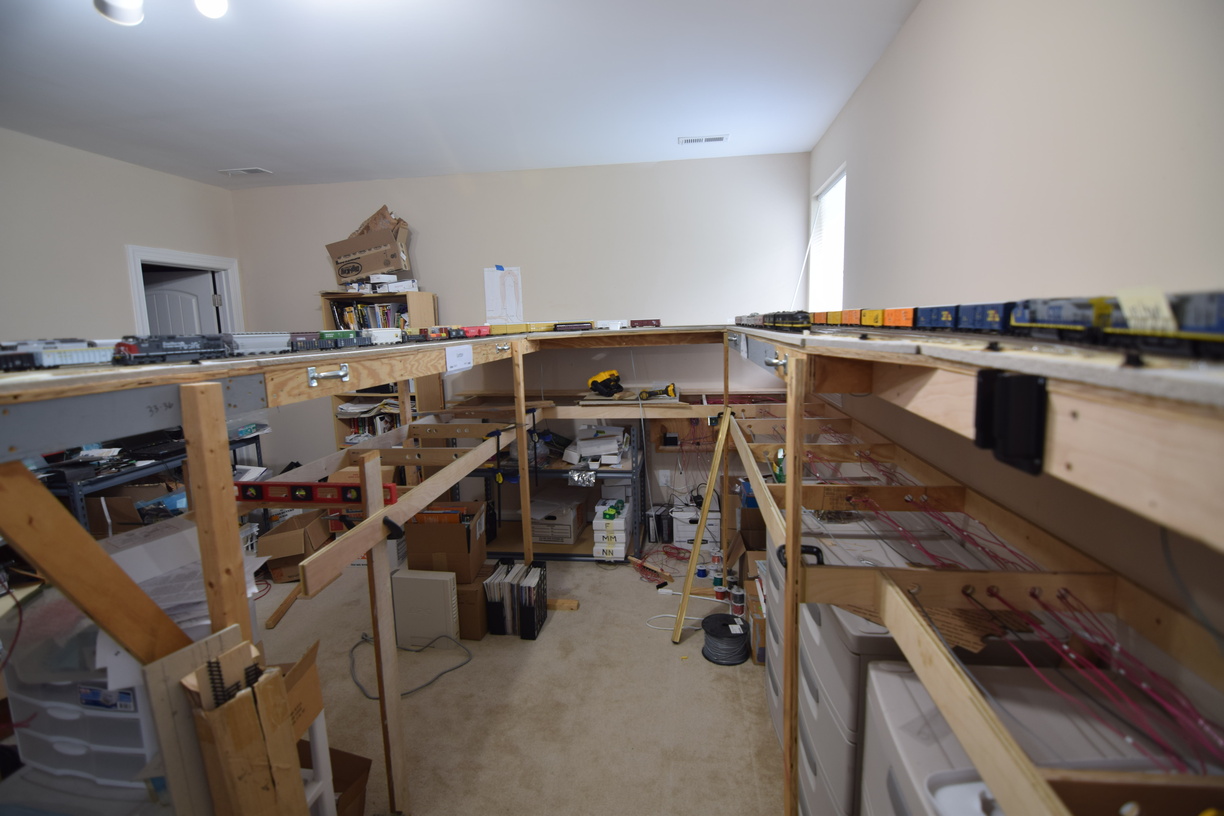
Multiple Deck Layout Construction - Support Options for the Upper Deck

 As the layout was built, we added support legs where we needed them, generally in areas where the span of the structure was too long to effectively cantilever from the center line structure or the wall.

Most of these spots got "temporary" legs made from the same 3" wide ripped strips of 3/4" plywood that was not straight enough to use elsewhere.

As an aside, we realized a few years in that our ripping technique was causing non square cuts near the end of the rip cuts, causing all sort of issues. Once we had a tablesaw to use, our accuracy was improved immensely. 

Now, a 3" wide support will impede the view and can potentially made access a bit tricky, depending on some other factors as well.

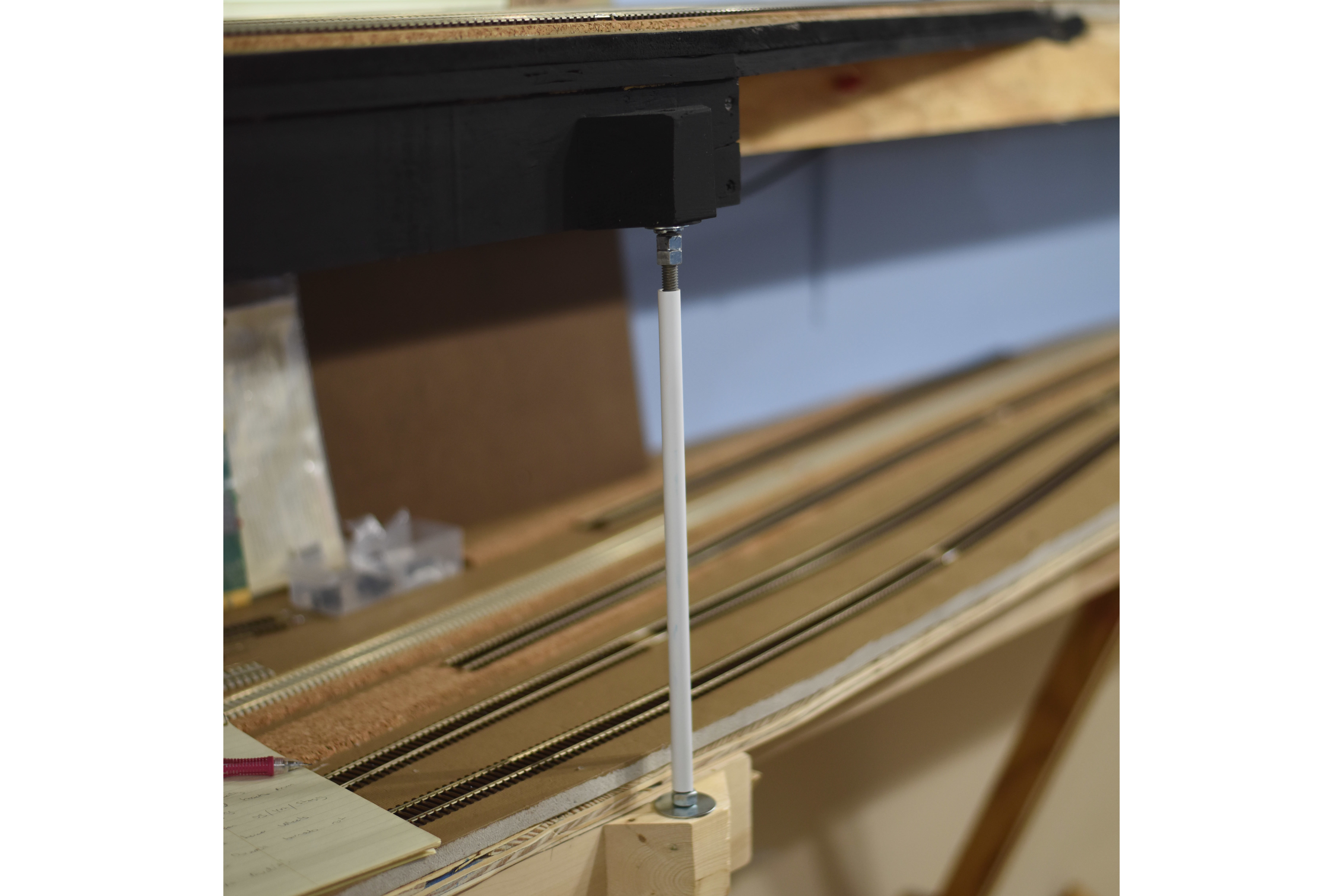
Readers familiar with Version 1 will remember that one of the helixes was suspended above another  helix via a system of 3/8" threaded rod (aka all thread) and metal straping. When Version 1 was torn down, all that metal was saved for potential use on the next layout.

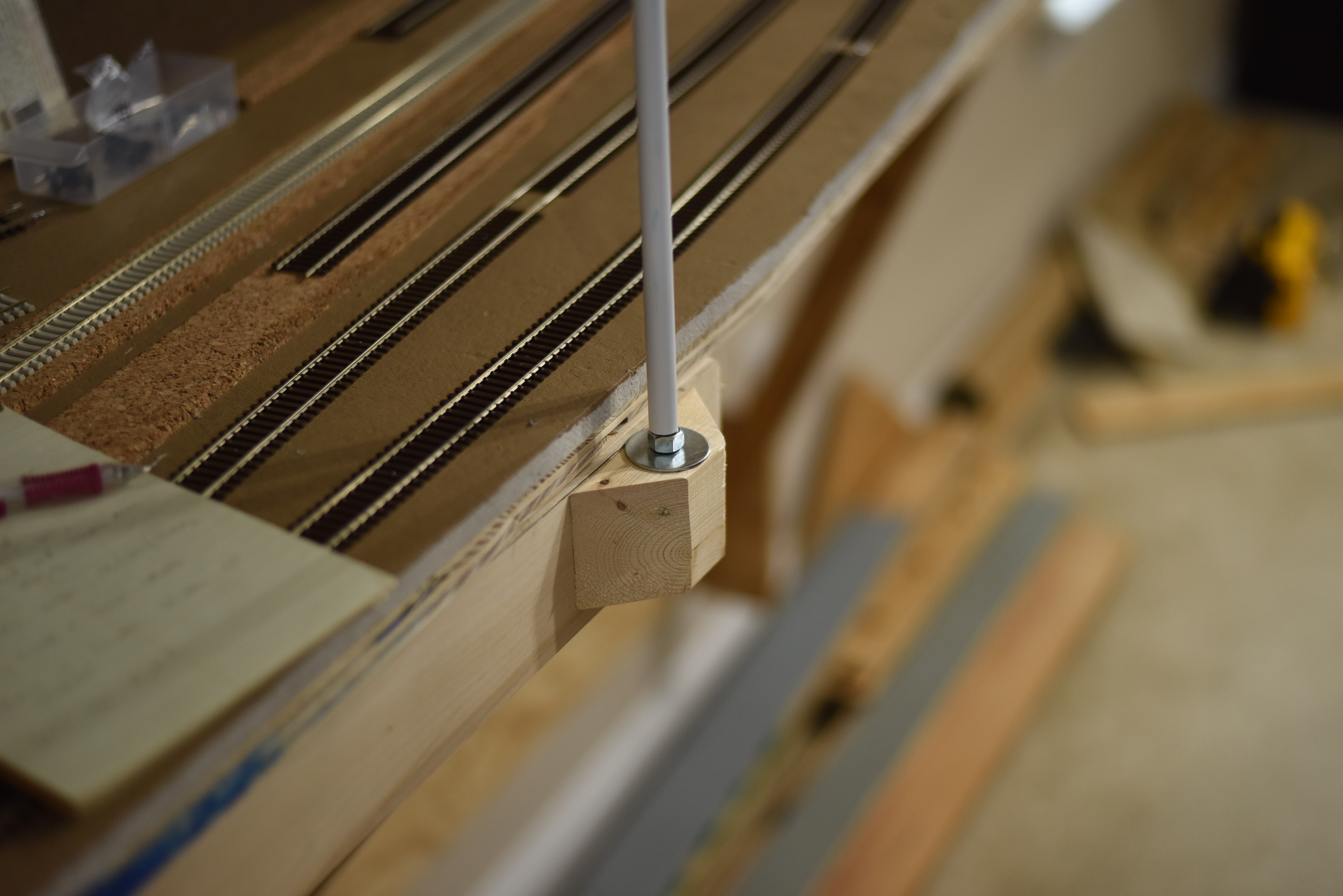
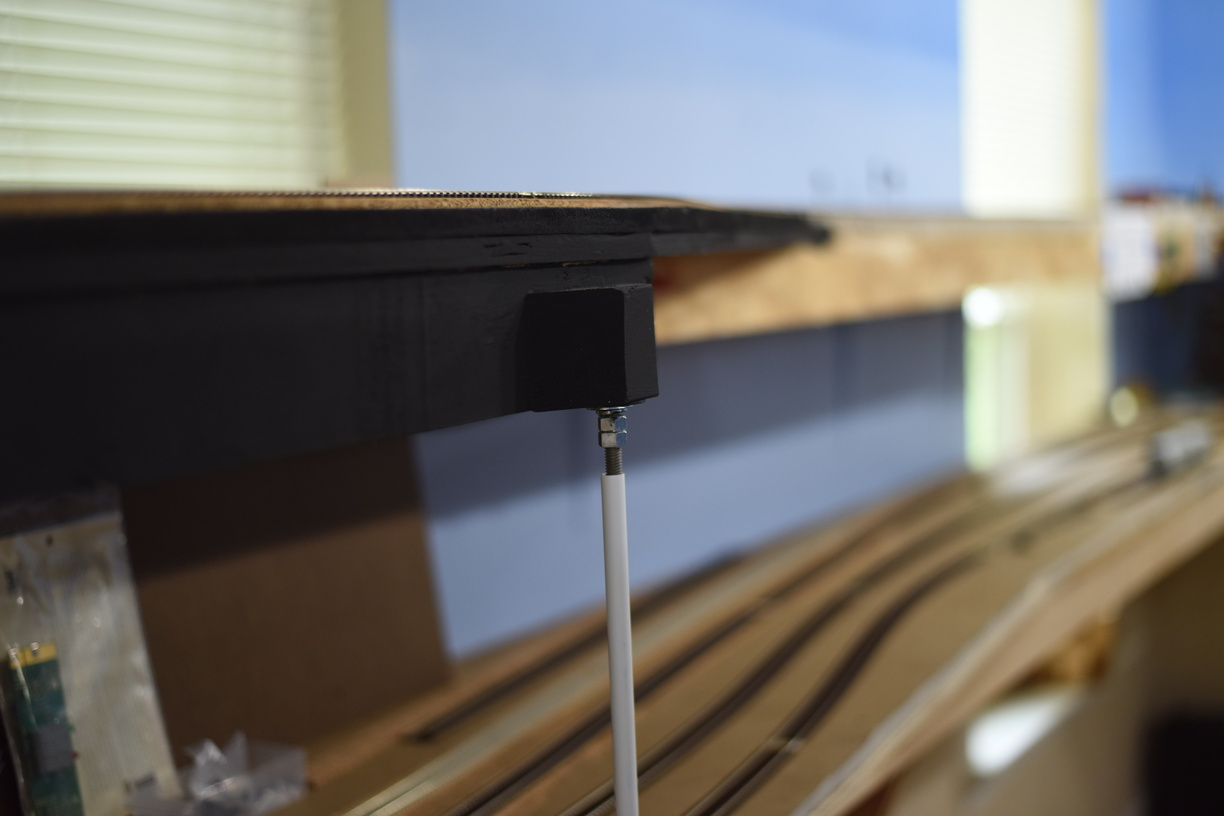
I am now getting to where I can remove the temp support and install some permanent ones, so I broke out the hacksaw and cut the 3' long pieces in half to 18".


Having nipped myself on the threads, I decided that I needed to figure out a way to protect people from the threads if I was going to use it again.

I came up with an idea to use styrene tubes (1/2") to protect the threads, which is working great.


Monday, December 19, 2022

Rework Part II: Workspaces for Acca Crews

 The operating framework on Version 2 is switchlists. We use JMRI to make the car routing decisions and that is where we print out the switchlist from.

This is a break from the previous Car Card and Waybill paradigm on Version 1.

As you can imagine, working from full letter size paper is great to read from, but it can be awkward when it comes time to put the paper down and move a train.

The yard crews have mentioned that a desktop space would be helpful in managing the paperwork aspect of the job and keep the paper from being set on top of the track and cars.

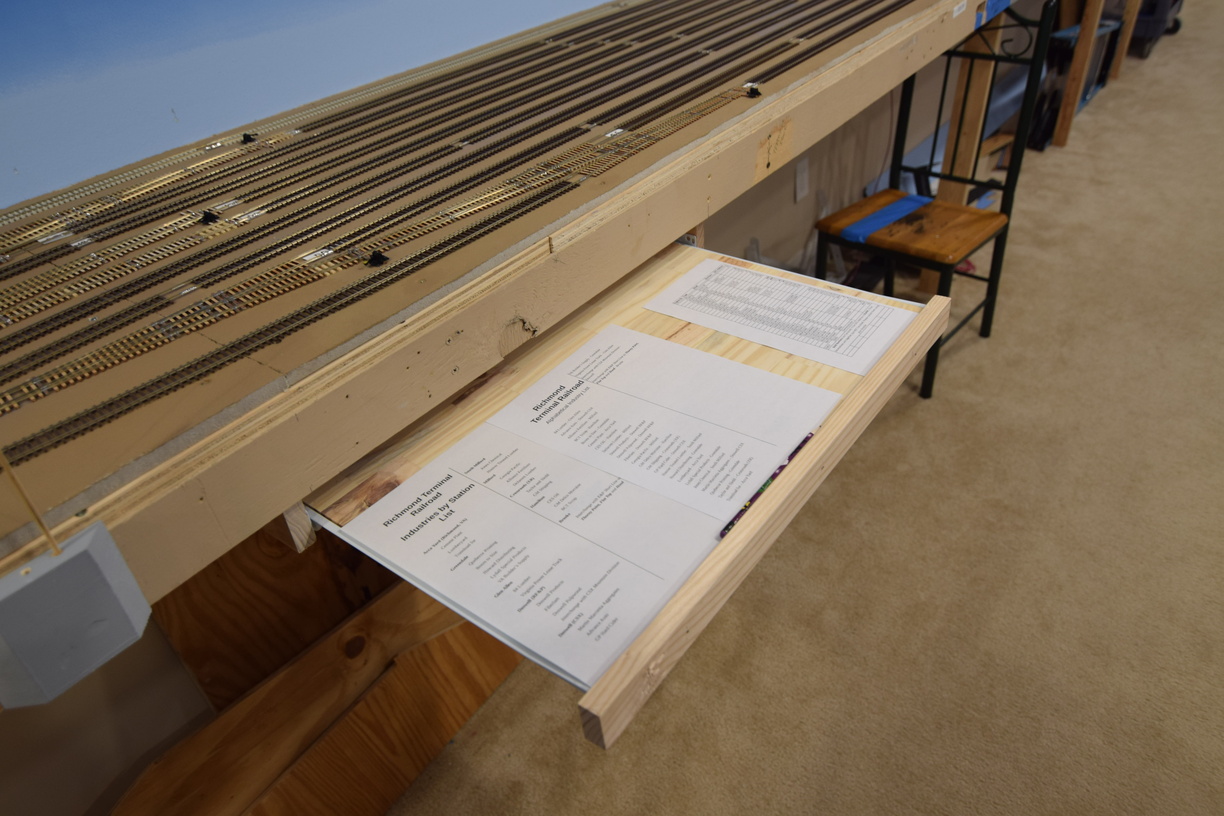
I decided that making some roll out desktops via the keyboard style drawer slides was the way to go.

I bought one of those premade tabletops from one of the big box home improvement stores; the ones made out of various pieces of 1x3" pine and glued together at the factory that gives you a 2x4' or so surface. I bought one large enough that we could cut it in half and make two slide outs.

Dad used his brad airnailer to attach a piece of 1x2 as a combination stop, handle and fiddle.


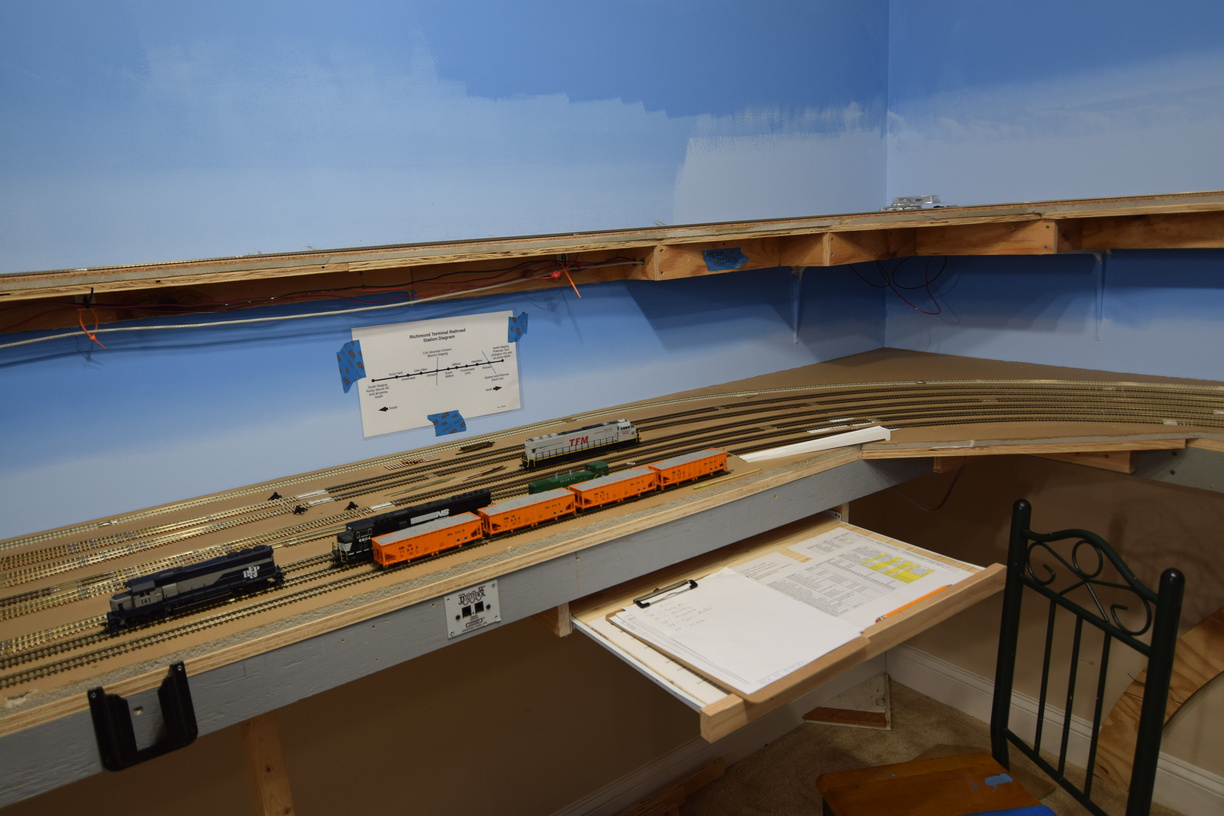
One is at the end of the Acca aisleway, the other is near the beginning, where the layout goes from 18" to 24" wide.


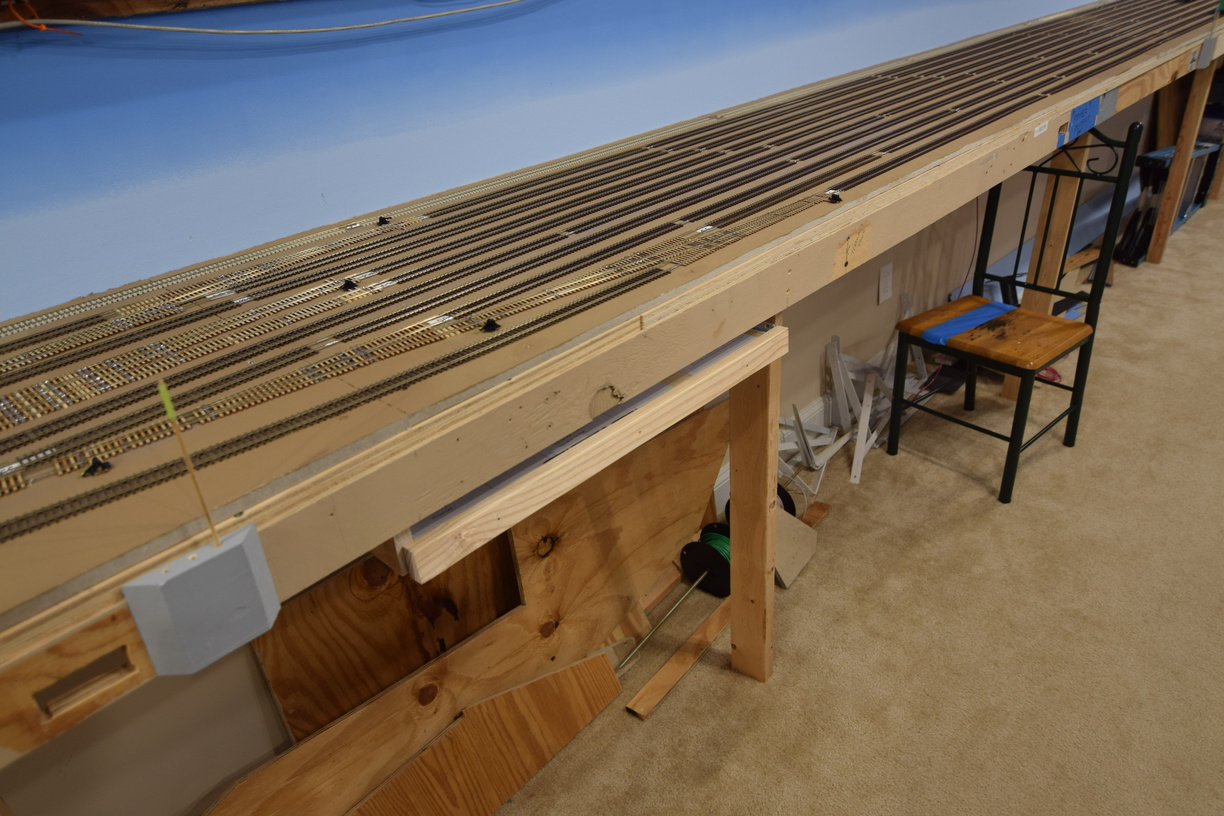
Here is a drawer in the stowed position:


A few more pictures can be found in the construction gallery at richmond-terminal.org.

Friday, September 30, 2022

September Work Session

 After the August operating session was held, Management realized that significant help would be required to move the railroad forward to be ready for the next session.

The South end staging yard needed to be marked out for track centerlines, a crossover needed to be installed at Doswell (I had left it out of my initial plan. Turns out there was a good reason it was there in real life), and track needed to be laid from the south end of Acca, towards staging.

An interpid crew of workers attended a Saturday session and much progress was made!


Here at Doswell, track had to be removed, roadbed added, sanded flat, and the crossover (a #10, built via my fast tracks tooling) installed. After the crossover was spiked down, tortoise switch machines needed to be installed, and the flex track reconnected. After all that, wiring changes would need to be made the DCC feeds.

John and Bill tackle the crossover install at South Doswell

John and Bill were able to get mostly through this list of work, which is a testament to their skills.


The master of geometry, Dick, led Mike B in getting the centerlines laid out in the staging yard.


And the final crew of Tom and Mike P worked to get track laid from Acca heading south.


Note Mike mugging for the camera and everybody else working.

More pictures in the gallery here: richmond-terminal.org

Thursday, September 15, 2022

Lower Level Staging Yard Build Out

 Most long time follower will remember that the layout is intended to terminate in a staging yard south of Acca Yard, that will simulate traffic from Rocky Mount, NC and points south. The staging area is also built to support traffic to/from the former Seaboard and C&O lines that are east of Acca so we can simulate trains being transferred off of the CSX James River Sub and the CSX "S" Line.


Framing is the normal 3/4" plywood that is ripped into 3" tall strips and screwed together. An innovation that we've recently started to use is the Kreg pocket screw system. There are significant advantages to this paradigm - no screws or fasteners into end grain, which also minimizes the chances of splitting. Since you are fastening from the "inside" of the structure, out, the assembly steps are flexible and you can move supports as you see fit to work around all the under table stuff that you have on a model railroad (Tortoises, DCC and LCC pieces, wiring, etc) It also provide a very nicely finished look from the aisleway, which is a nice bonus.

Here is a nice shot of the benchwork that supports the approach to the staging yard. Note the lack of visible fasteners from the aisleway.


As plywood is still highly priced, for only a nominal amount more money, you can purchase higher quality birch faced 7 ply, which is what we did for this final push of construction. 

We've also found that this stuff is more consistent than the sheathing grade we've used in the past and it also seems to be less prone to splintering.

We have to build the support in situ for the legs that support the top staging level, so that adds to the challenge.


Got smart this time, and pulled DCC bus wires BEFORE the benchtops went on. Learning from the top (North End) staging yard, a bus per track was installed to enable us to turn it off track by track.


From a suggestion of an operator, we rounded the outside corner to make it less likely to jab you in the small of your back.


Here's the approach, with homasote painted and installed. Note the cleat for the removable bridge across the door in place.


Ready for track mark out!


Thursday, July 7, 2022

Industries at Acca Yard

 Acca has had, and continues to have, a number of industrial spurs in the yard area proper.

In the era that I am modeling, I am utilizing a number of them. They are not in the exact location on the layout, that they are geographically on the prototype, but in general, they are nearby.

Most of the industries are the the northwest side of the yard in real life. The major exception that comes to mind, is Transflo, which is the transloading area of the yard. In a previous iteration, that area was used as a container loading and unloading ramp. 

On the layout, they are all put on the northeast side, off the number 1 advance track.

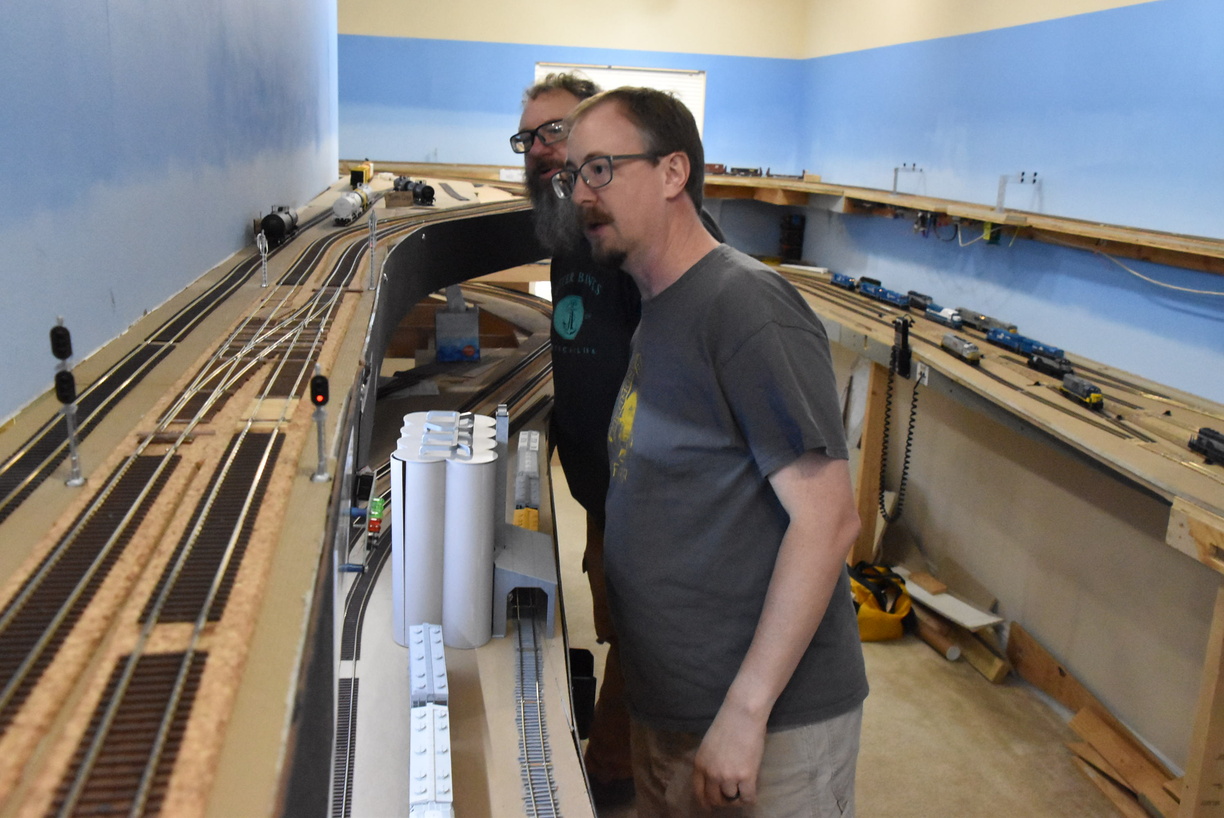
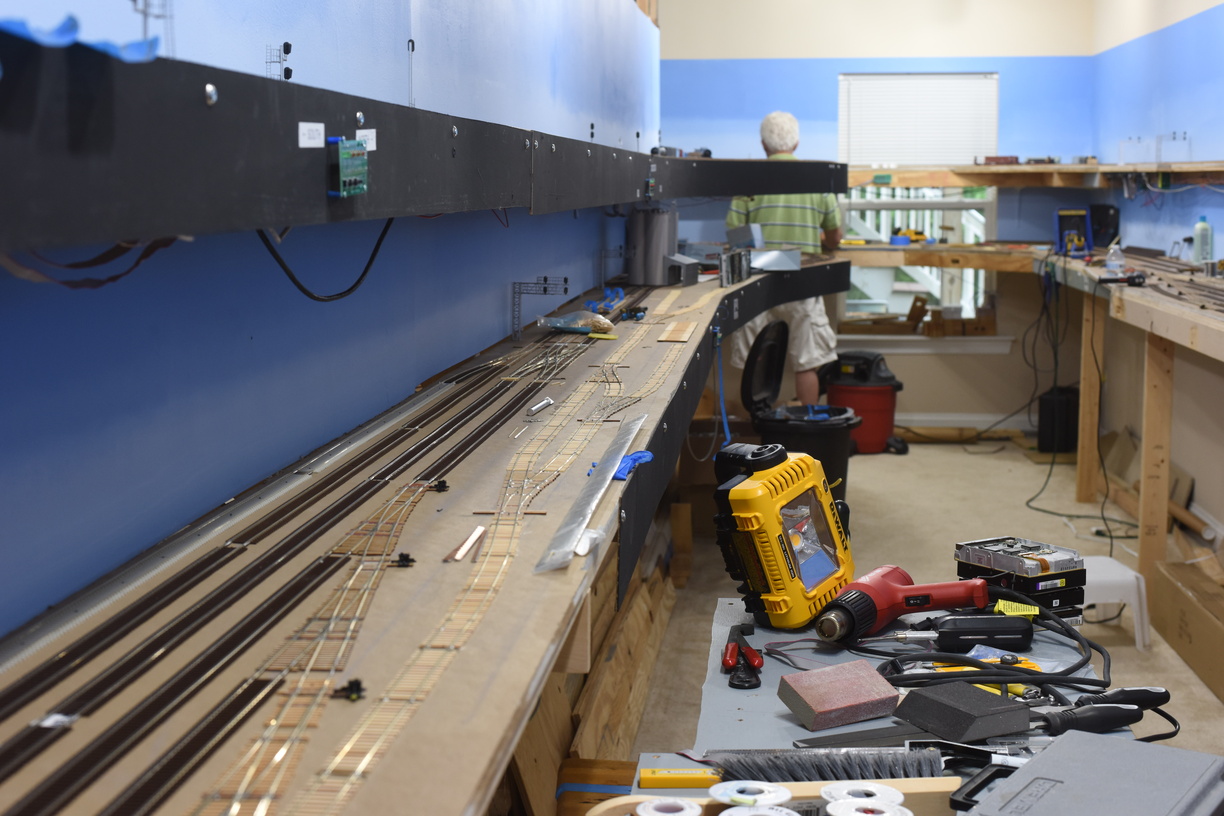
In this shot, we are looking railroad north and the NA interlocking is just above the center of the photo. You can see the bag of ties right above the scissors crossover - the NA crossovers are right there.

This track layout has 3 dedicated spurs - 2 for the concrete and gravel operation, and 1 for a lumberyard. The runaround area might be used as an offspot, haven't committed to that right now.

All this rail is code 70, from Microengineering.

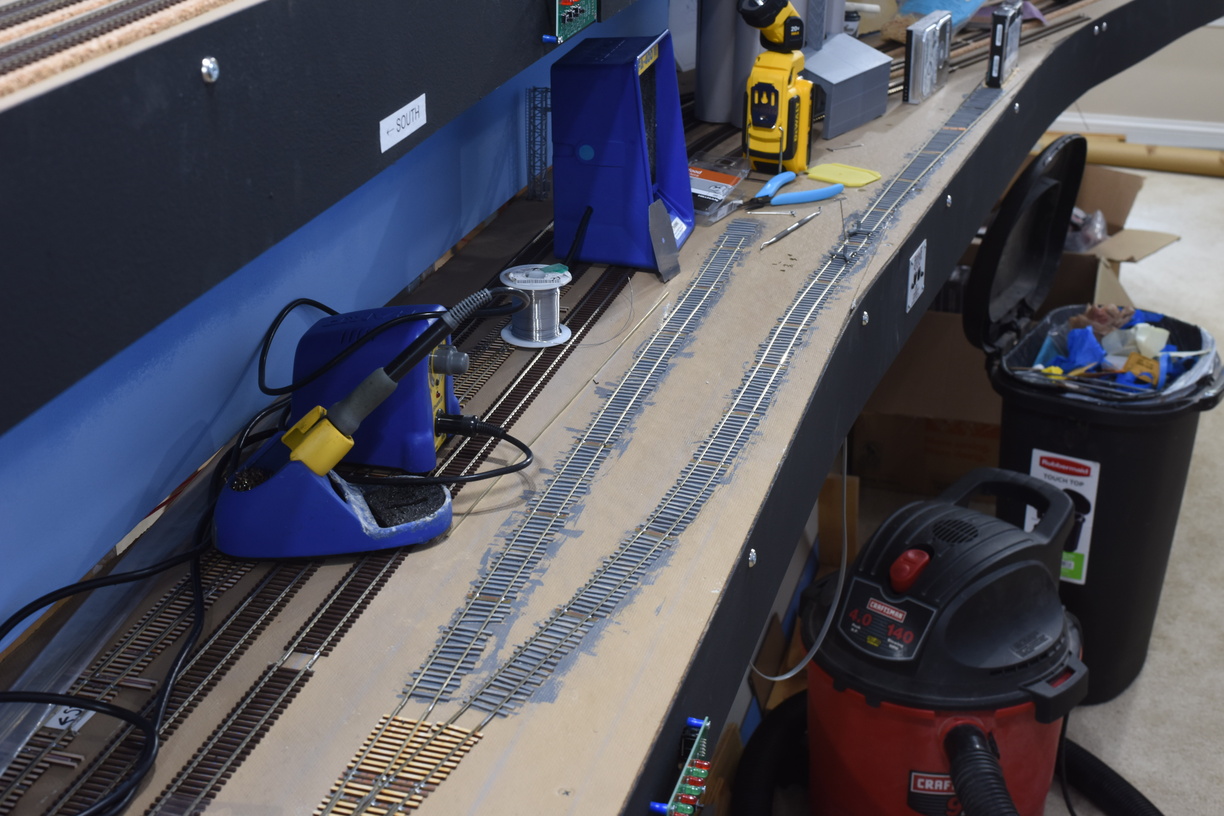
Gluing ties down. 

I used a gray-ish stain for the ties around the concrete plant to give the impression of lots of cement spills and dust building up over the years.


I'm going to use a standard, dark brown stain, on the rest of the ties.

More photos on richmond-terminal's gallery.

Sunday, June 19, 2022

Supply Chain Challenges

 Work has slowed dramatically due to the near exhaustion of my Micro Engineering Code 83 rail stock.
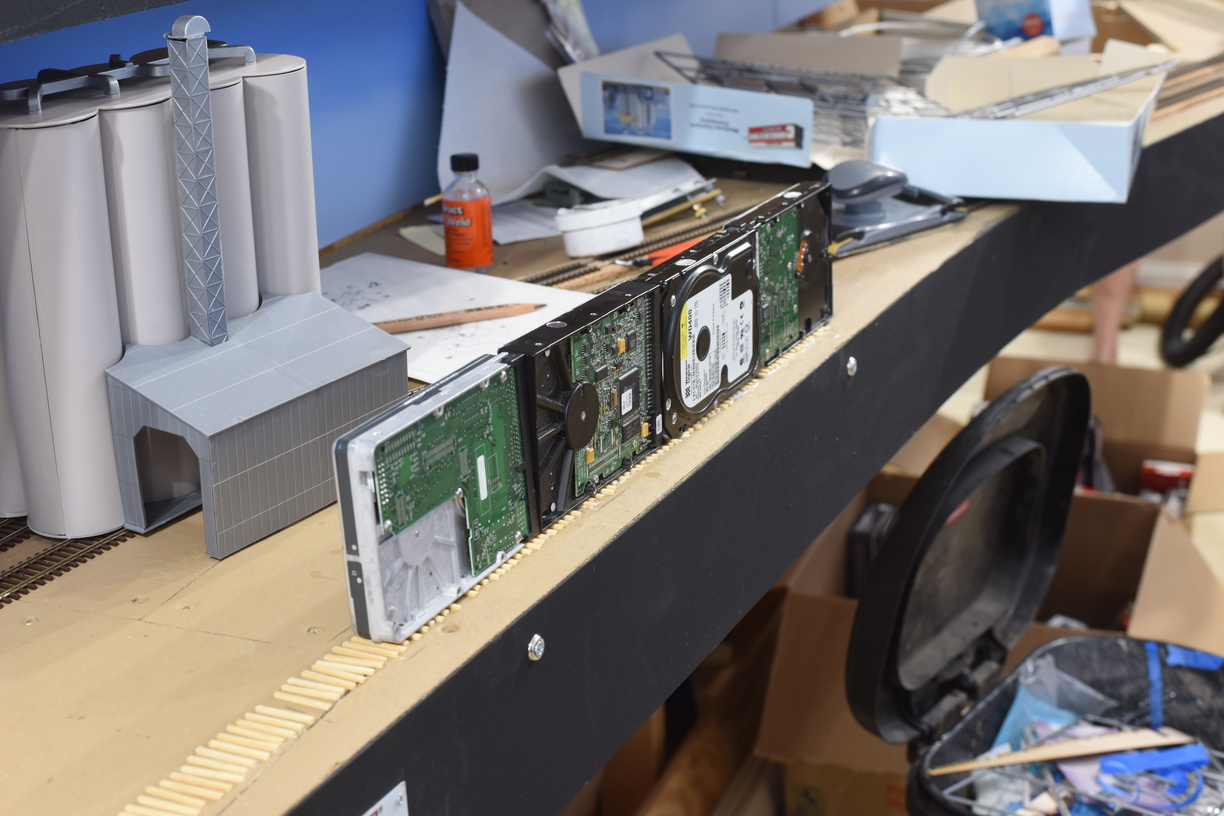
After at least 2 months of searching, I was able to find two packages from a online hobby store I'd never heard of and it arrived late this week.
I will have some additional content going up soon.
Sunday, March 27, 2022

South from Acca, Step 2

 After I'm happy with the path the track will take, it's time to get corked fastened down.

I didn't setup a timer shot, so what we have pictured is the after.


Saturday, March 26, 2022

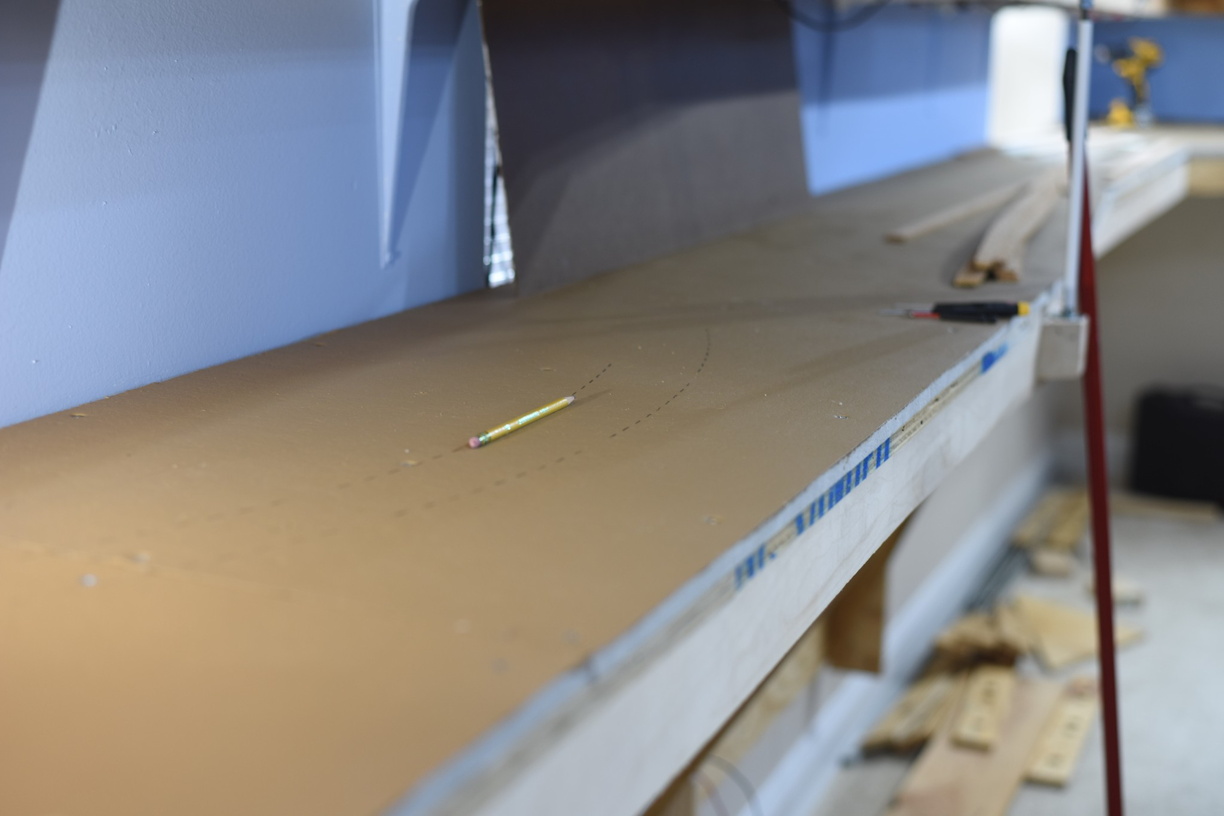
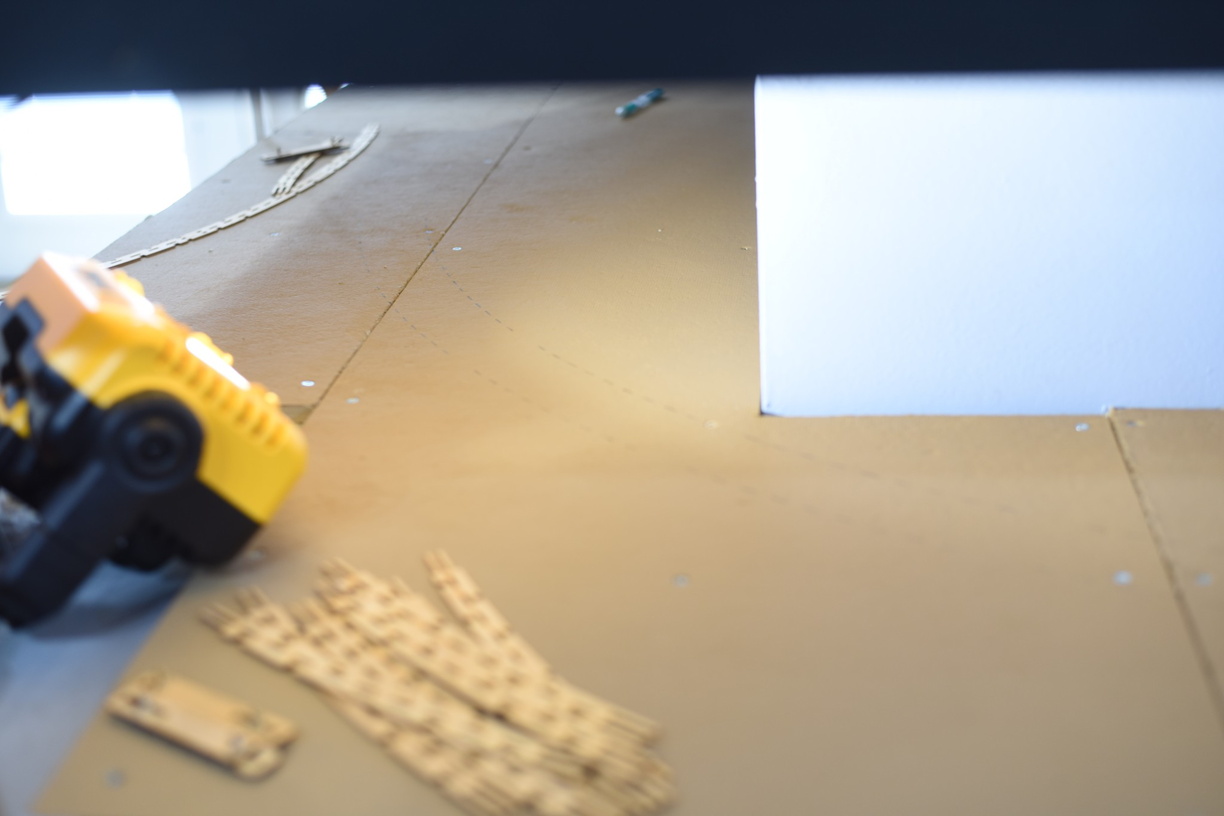
South from Acca, Step 1

 As the track for Acca has been filled in and completed, it is now a case of laying out and getting us ready to head south and connect to the staging yard.

Step 1 is measuring and marking our path.


Next step, once we are happy with this, is to get cork down.

Wednesday, March 16, 2022

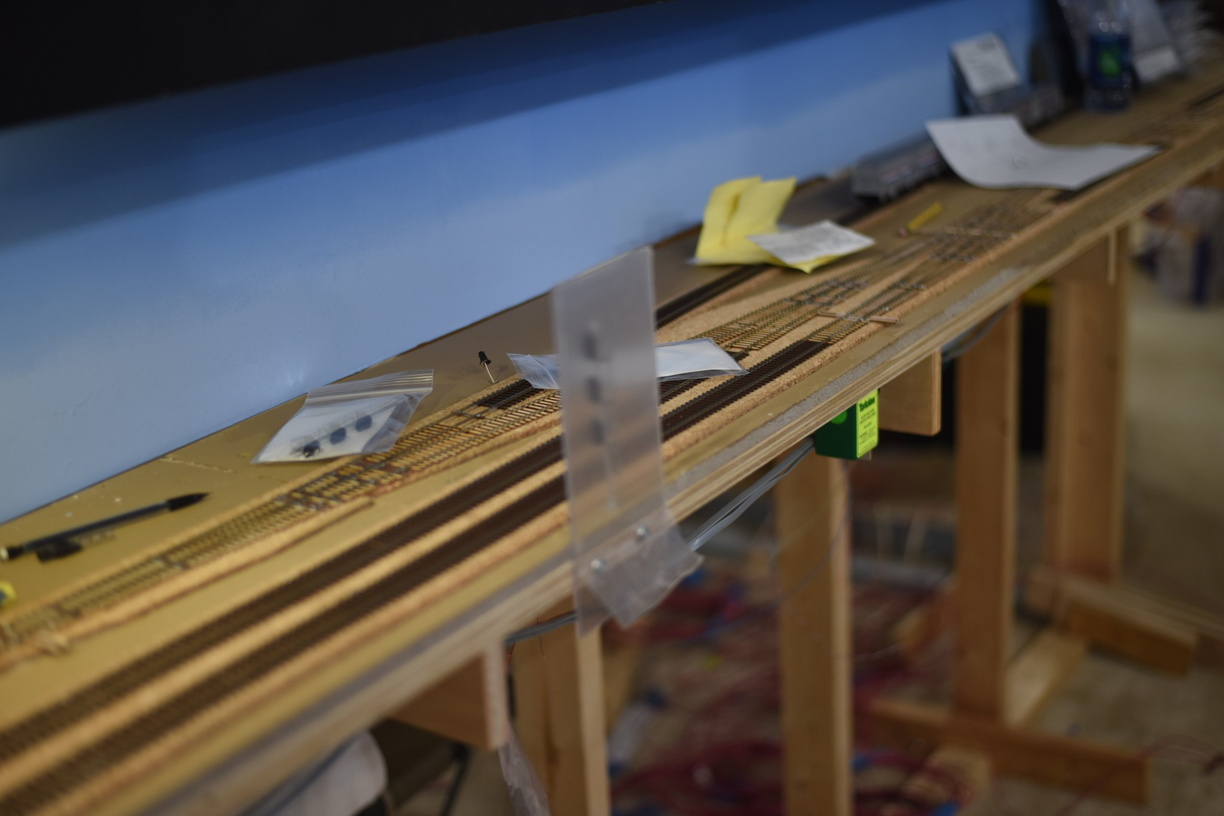
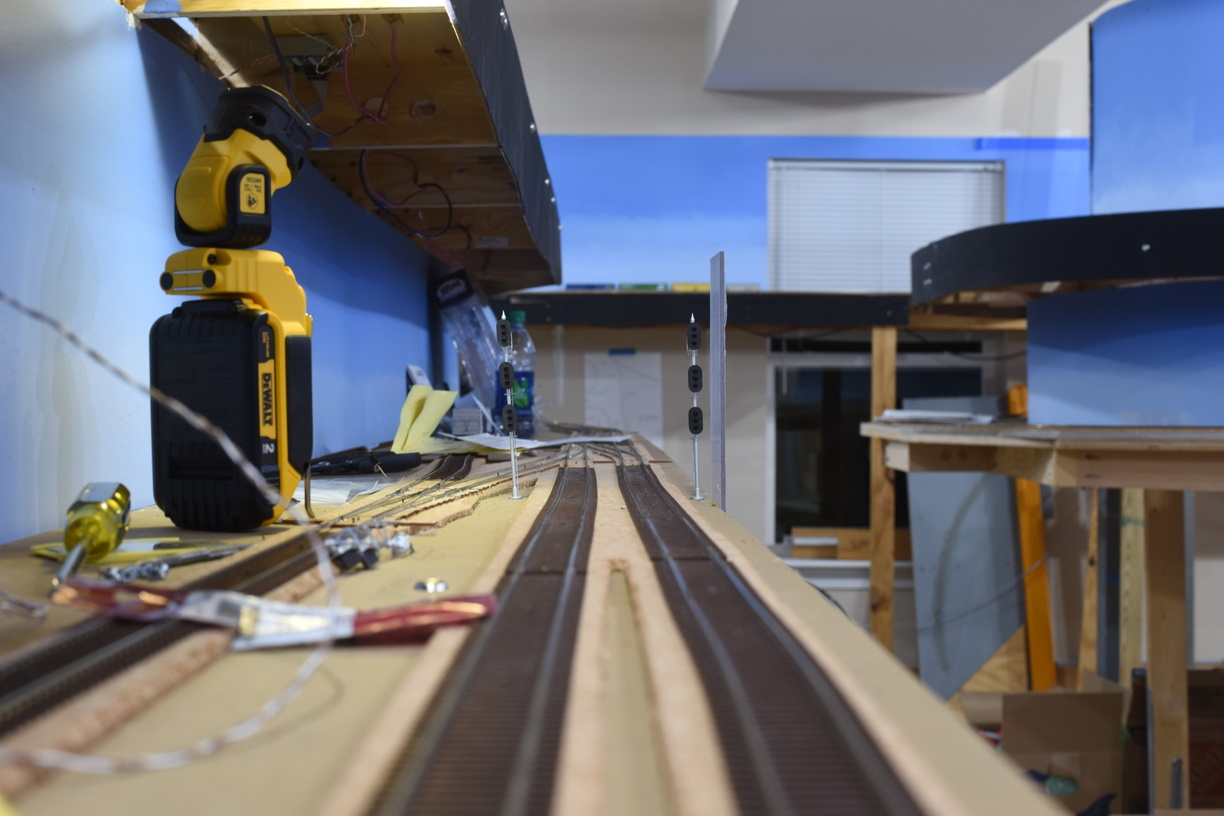
Signals at Greendale (GN Interlocking)

Years back while still operating the old railroad, I had plans to rebuild the set of cross overs just to the south of Acca, and install more prototypical signals versus the kitbashed signal bridges I had used.

The turnouts were installed in reverse order, in other words, the LH crossover was on the wrong side of the RH crossover. Compounding this, I used Atlas turnouts and one of them had a point that failed and stopped conducting power. Of course, this happened during an operating session.

The prototype had color light signals here for both tracks, using a 3 over 3 over 3 configuration. Unfortunately, the off the shelf signals available for HO are 3 over 3 at largest.

I found a custom signal builder that put together 3/3/3 signals for me and had him build me 6. By the time I got them, we had decided to sell and move, so I was pulling the layout down.

Fast forward and I finally got a chance to install these at the GN Interlocking after having them 6 or so years.


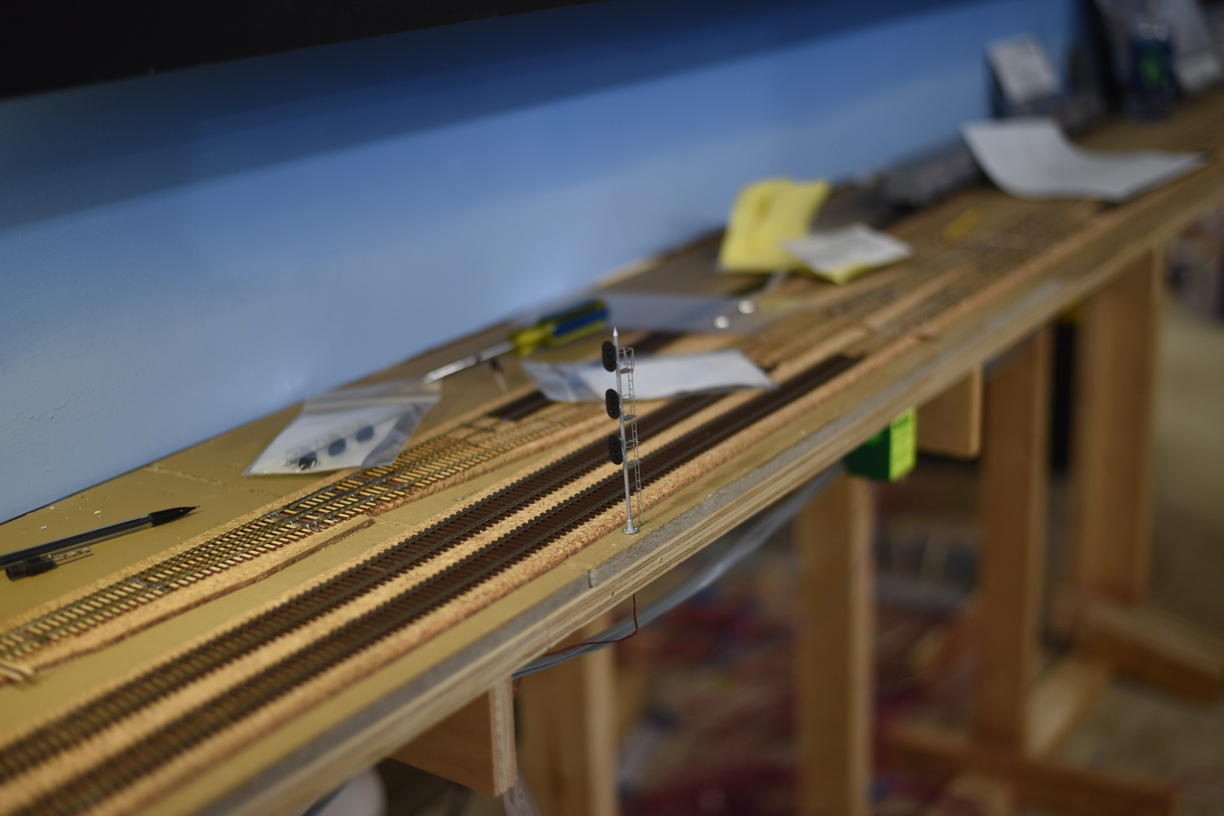
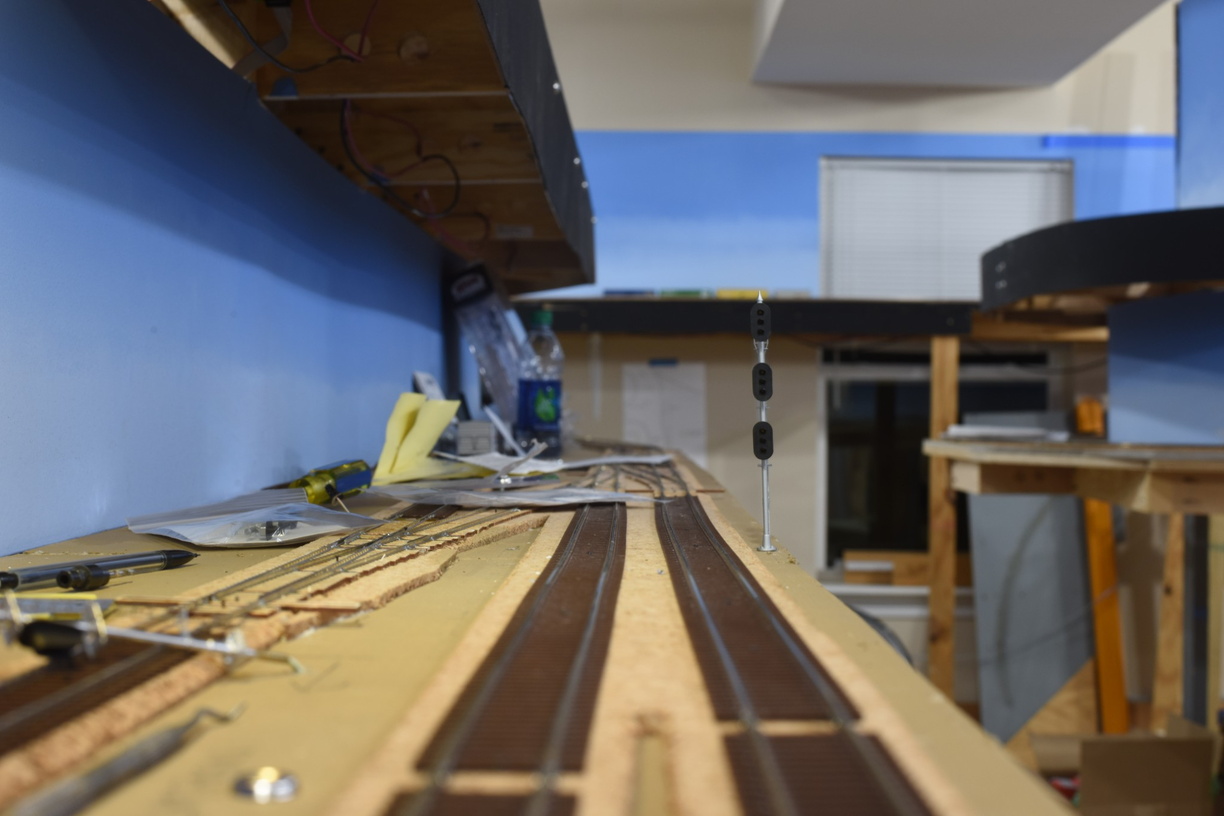
First one installed; this is for northbound traffic on track 2.


As you can imagine, with these installed right at the edge of the layout benchwork, they need protection from being bumped by random elbows and other body parts.

A piece of 1/8" acrylic was called to serve as a guard.


More pictures of this installation are on the gallery at the full website.

Tuesday, March 15, 2022

Thoughts on the Atlas (former BLMA) Signals

 Longtime readers and RTRR operators will remember that the railroad has a significant amount of signals in the overall physical plant of the railroad.

Version 1 was mostly a Tomar and NJ International with a smattering of BLMA color position signal heads kitbashed onto signals bridges.

Version 2 needs way more signals. The installations are a mix of BLMA, from old stock, Tomar, both from old stock, recovered from version 1 and new purchases, NJ International, new purchase, and some custom built 3 over 3 over 3 that look Tomar-ish.

When Atlas announced when they purchased BLMA that they intended to produce additional runs of the BLMA signals under their branding, I was super happy. It took way more time that I thought, but I was able to install some of the new signals on the railroad recently.

Atlas did produce new electronic options to drive the signals, which is something that wasn't present in the BLMA line up, but is not of any interest to me as I am using RR-Cirkits and OpenLCB project nodes on my LCC network to drive signals.


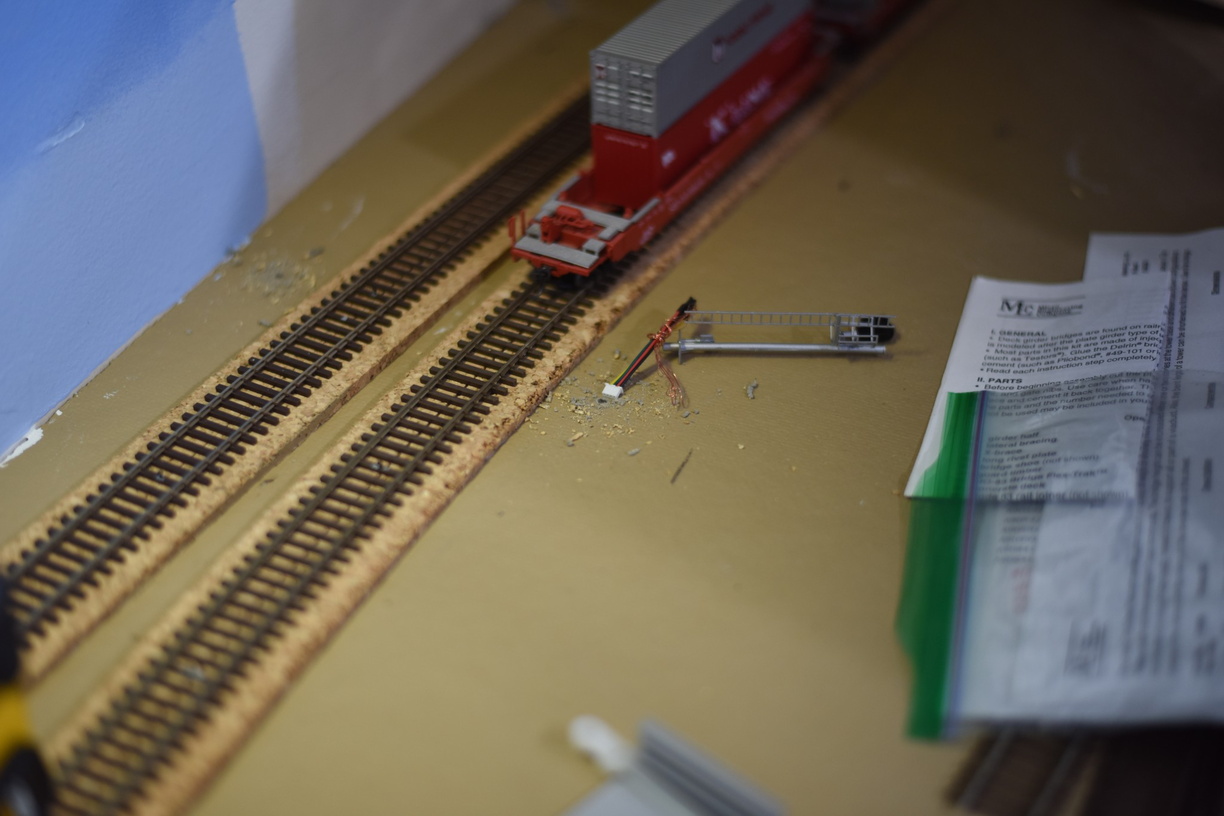
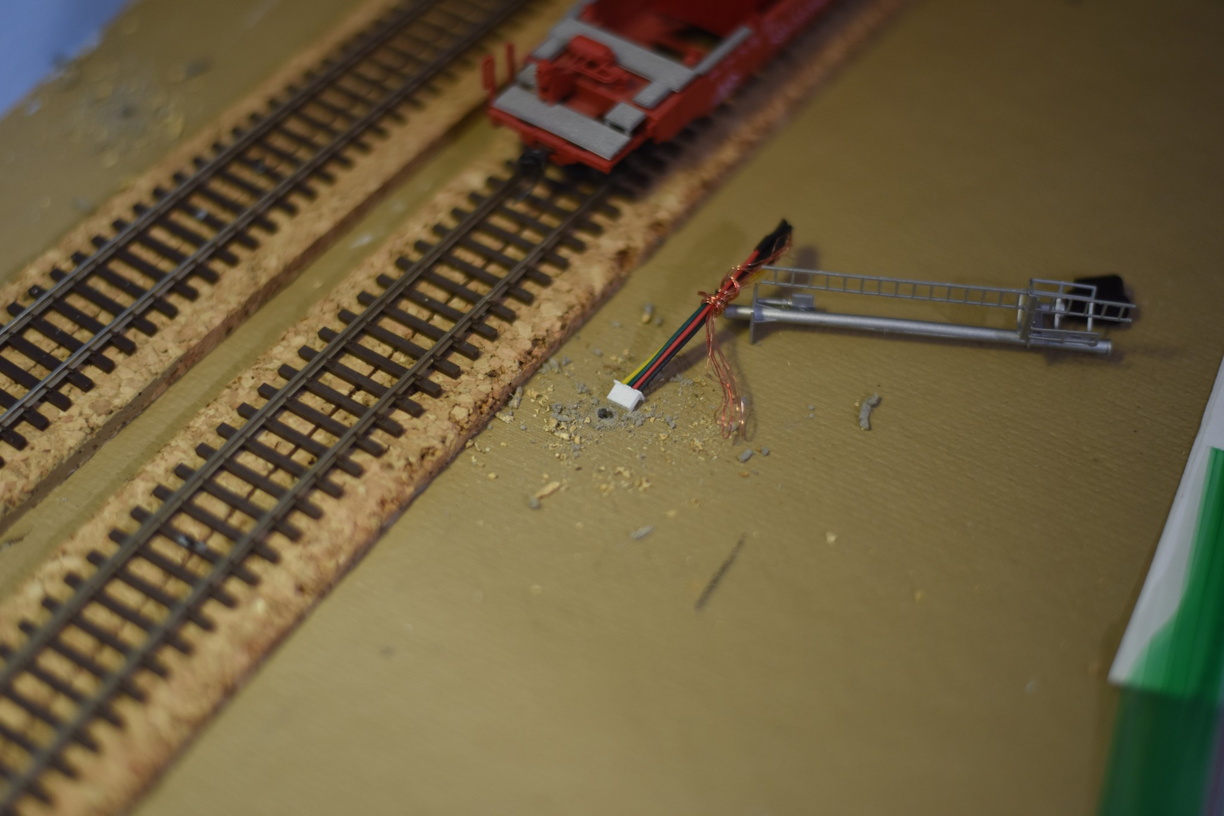
As part of that, Atlas had miniature QD connectors installed on the ends of the signal wiring.

Great idea, but the execution makes me wonder if anybody at Atlas actually tried to install these on a layout.


I'm going to go with, no, nobody did.

You can't get a 1/4" rectangular connector, through a 1/8" round hole...

I cut the connector off, since I can't use it anyway, but a bit of a disappointment.